Getting startedGuide
Store an API key safely: env variable, .gitignore, leak fix
Keep your CheapTokens key out of code and git: set an environment variable, add .env to .gitignore, and know what to do if the key leaks.
On this page
Keep the key in an environment variable, not in your code, and keep any .env file out of git with a line in .gitignore. If a key has already ended up somewhere public, deal with the key first and tidy up after: scrubbing git history while the key still sits in your code and tools fixes nothing.
That's the whole idea. This guide is the hands-on version (the basics are in What is an API key): three commands, one working request, and a short plan for the bad day.
Why the key doesn't belong in your code#
An API key is a password that spends your money. Anyone who holds it can send requests on your balance, and the service can't tell them from you.
The usual way it goes wrong is boring. You paste the key into a script to get the first request working, the script works, you git push, and the repository is public. Or you send a colleague your config file. Or you screenshot an error with the key visible in the corner. Same result each time.
GitHub knows this pattern well. Its secret scanning (GitHub docs, checked 29 October 2026) looks through the full Git history on all branches for hardcoded credentials, and also through issues, pull requests, discussions, wikis and secret gists, and raises an alert when it finds one. Which means deleting the line in your next commit changes nothing: the old commit still has it.
Here is the same script before and after.
Compare
Same script, key moved out of the code
Key in the code
from openai import OpenAI

client = OpenAI(
    base_url="https://api.cheaptokens.dev/v1",
    api_key="<your-key>",  # pasted here: ends up in git
)
Key from the environment
import os
from openai import OpenAI

client = OpenAI(
    base_url="https://api.cheaptokens.dev/v1",
    api_key=os.environ["CHEAPTOKENS_API_KEY"],
)
The second version can go to GitHub, a chat or a code review as is. The key lives on your machine, outside the file.
Step 1: put the key in an environment variable#
An environment variable is a named value your terminal hands to every program it starts. The script asks for CHEAPTOKENS_ by name and never sees where it came from.
On macOS and Linux:
export CHEAPTOKENS_API_KEY="<your-key>"On Windows PowerShell:
setx CHEAPTOKENS_API_KEY "<your-key>"Two details trip people up. export lasts only for that terminal window, so to keep it, add the line to your shell profile (~/.zshrc or ~/.bashrc). And setx doesn't change the window you typed it in: open a new terminal before you test.
Now a full request. It uses the OpenAI-compatible endpoint, https:/, and DeepSeek-V4-Flash with its full id (deepseek-; take ids from the CheapTokens docs, since names differ between providers):
import os
from openai import OpenAI

client = OpenAI(
    base_url="https://api.cheaptokens.dev/v1",
    api_key=os.environ["CHEAPTOKENS_API_KEY"],
)

resp = client.chat.completions.create(
    model="deepseek-ai/DeepSeek-V4-Flash-0731",
    messages=[{"role": "user", "content": "Say hi in five words."}],
)
print(resp.choices[0].message.content)
print(resp.usage)
A short greeting is a request of roughly 20 tokens in and 20 out, which at current prices is $0.0000023 (the full list is on the pricing page). If you haven't sent a first request yet, Your first API request with CheapTokens walks through it from zero.
The model's answer comes back in choices[0]., and usage shows the tokens it counted. The key never appears in the file.
Step 2: use a .env file without committing it#
Typing export in every new window gets old. A .env file keeps the value in one place, next to the project:
CHEAPTOKENS_API_KEY=<your-key>Python reads it with python-dotenv (pip install python-):
from dotenv import load_dotenv
load_dotenv()  # fills os.environ from .env
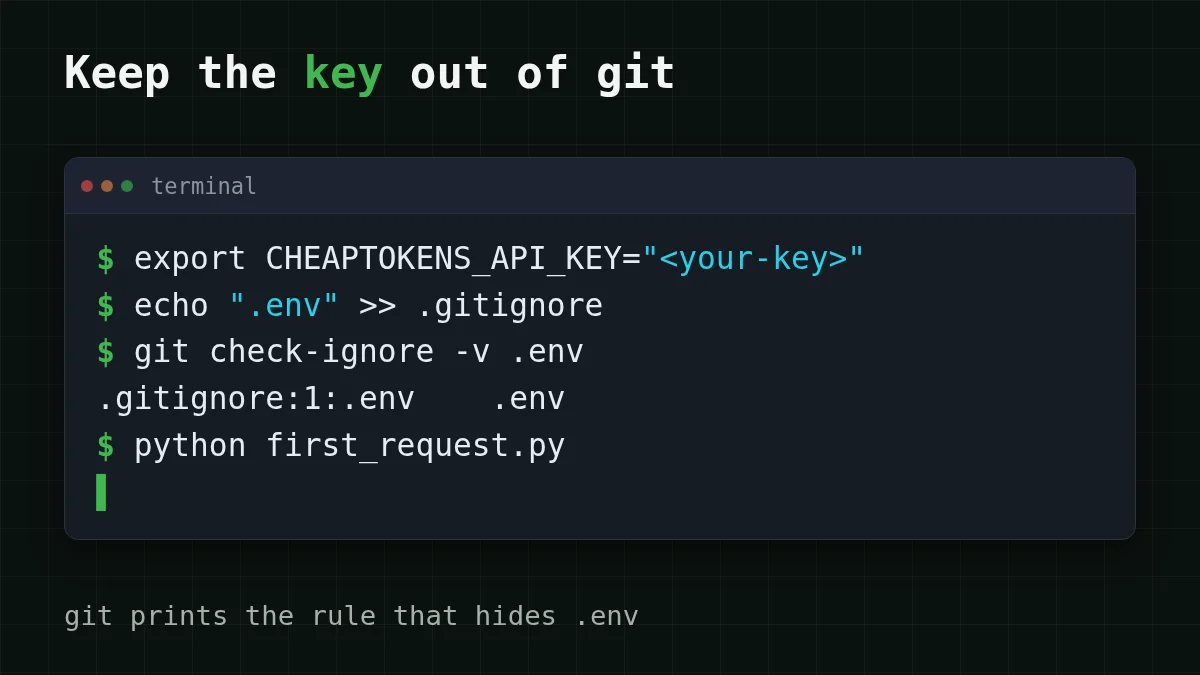
The file is only safe if git never sees it. Add it to .gitignore before the first commit:
echo ".env" >> .gitignore
git check-ignore -v .env
If everything is right, the second command prints something like .: git tells you which rule is ignoring the file. If it prints nothing, the rule isn't working. On Windows, create .gitignore in an editor with a line .env, or use Add-: PowerShell's >> can write UTF-16, which git may ignore.
One trap: .gitignore only affects files git isn't tracking yet. If .env was already committed once, run git rm - so git stops tracking it, and treat the key inside as exposed (more on that below). A tidy habit is to commit a .env.example with the variable name and a placeholder instead of the value, so a teammate knows what to set.
If the key leaked: what to do, in order#
Maybe the key went to a public repo, maybe it sat in a screenshot, maybe you pasted the whole config into a forum thread. The order matters more than the speed of any single step.
GitHub's own guidance (same page, checked 29 October 2026) is to rotate the credential immediately; rewriting Git history is optional and often unnecessary once the credential is revoked. People tend to do it the other way round: they spend an hour scrubbing history while the key still works. Don't.
Pick your case
What happened to your key? Pick the closest case
Choose an option to see the answer
The key was in a commit that is now public
Remove the key from the code first, switch to the environment variable, add .env to .gitignore, and look at your balance for requests you didn't send. Cleaning history is a nice-to-have afterwards, not the urgent part.
The key was in a screenshot or a shared file
Same order: stop using that key in your tools and move to the environment variable, then delete the post or file if you can. A deleted screenshot may already have been copied, so don't count on deletion alone.
The same key is used in several tools
Go through every place that held the key: your shell profile, .env files, editor and terminal tools, and point each one at the environment variable, so there is a single place to change. If a tool fails to read the variable, the 401/404 troubleshooting guide shows what the error looks like.
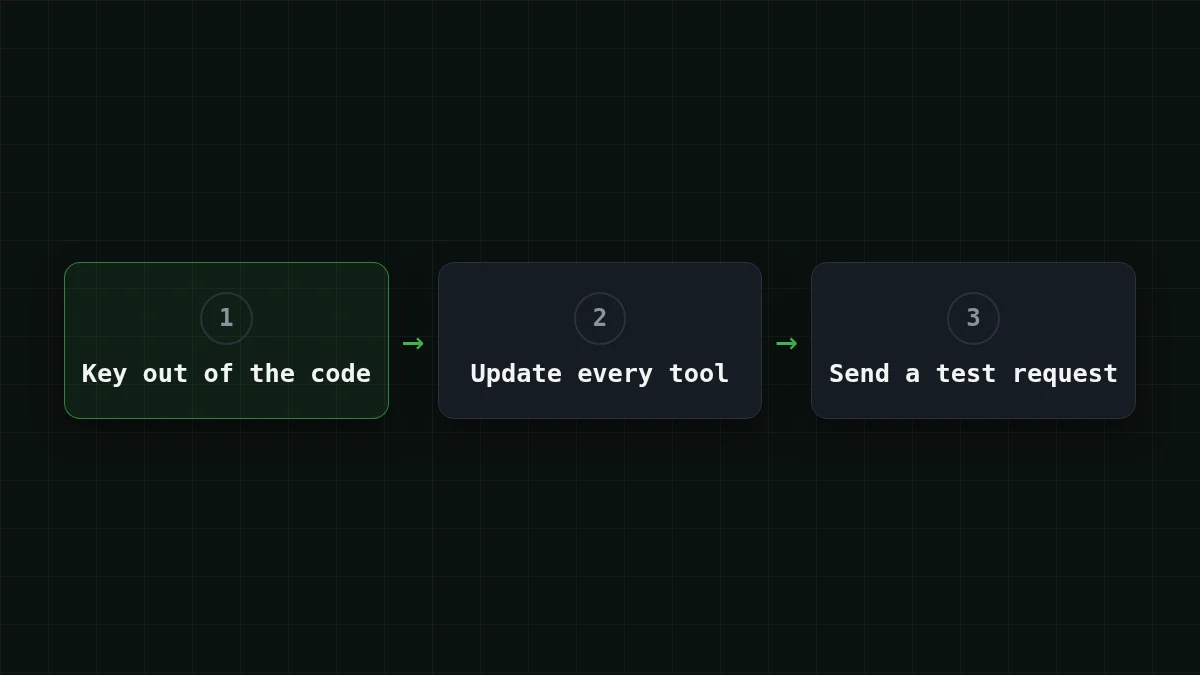
After the cleanup, send one small test request, as in Step 1, and check your balance. If it answers and the balance and requests look normal, the cleanup is finished; keep an eye on the balance for the next few days. A key that has been public should be treated as exposed even after you remove it from the code, so watch the balance and the request count for anything you didn't send, and don't reuse that key in new places. For the places a key tends to live, see Where to plug in your own API key.
Check yourself#
Try it yourselfTry it: unset the variable and run the script. What do you see?Show answer
Python stops with KeyError: 'CHEAPTOKENS_ before any request leaves your machine. That's the good failure: the script refuses to run without the key instead of quietly using a pasted one. If you see a 401 instead, the variable is set but the key is wrong; check the key and the address against the 401/404 guide.


