Tools & integrationsGuide
How to connect OpenCode to CheapTokens (opencode.json)
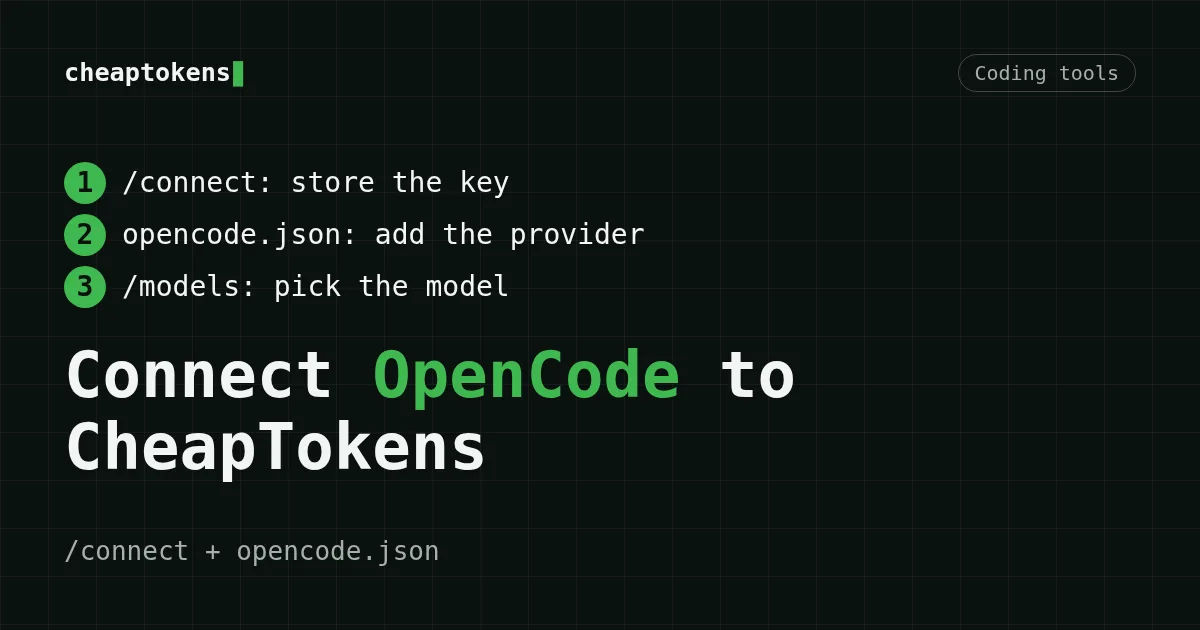
Add CheapTokens to OpenCode as an OpenAI-compatible provider: /connect for the key, opencode.json for the models, /models to check.
On this page
To connect OpenCode to CheapTokens, add a custom OpenAI-compatible provider: store your API key with /connect (provider ID cheaptokens), then describe the provider in opencode.json with the base URL https:/. After that your CheapTokens models appear in /models.
This guide follows the OpenCode providers documentation (page updated October 20, 2026; checked October 22, 2026). The same approach works for the other tools in this series: Cline, Aider and Kilo Code.
What you need#
- OpenCode installed (see its documentation for your platform).
- A CheapTokens API key. Create one in your account and top up the balance; one balance covers all models. The basics are in the CheapTokens docs.
- The API facts:
- base URL:
https:// api. cheaptokens. dev/ v1 - compatibility: OpenAI Chat Completions and Anthropic Messages
- model id used below:
deepseek-(380K context, up to 32,768 output tokens). Model ids are listed in the CheapTokens docs: names differ between providers, so copy the id from there.ai/ DeepSeek- V4- Flash- 0731
- base URL:
Step 1. Store the key with /connect#
- Start OpenCode in your project and run
/connect. - Scroll to Other.
- Enter a unique provider ID:
cheaptokens. - Paste your CheapTokens API key.
This step only stores the credential. OpenCode still does not know the address or the models of the provider: that is what opencode.json is for.
Step 2. Describe the provider in opencode.json#
Create or edit opencode.json and add the provider. The provider ID in provider must match the one you entered in /connect.
{
  "$schema": "https://opencode.ai/config.json",
  "provider": {
    "cheaptokens": {
      "npm": "@ai-sdk/openai-compatible",
      "name": "CheapTokens",
      "options": {
        "baseURL": "https://api.cheaptokens.dev/v1"
      },
      "models": {
        "deepseek-ai/DeepSeek-V4-Flash-0731": {
          "name": "DeepSeek-V4-Flash",
          "limit": {
            "context": 380000,
            "output": 32768
          }
        }
      }
    }
  }
}
What each part does:
npm—@ai-is the package for endpoints that usesdk/ openai- compatible /, which is what CheapTokens exposes. (OpenCode usesv1/ chat/ completions @ai-sdk/openaifor endpoints built on/v1/responses.)name— the label shown in the OpenCode interface.options.baseURL— the CheapTokens API address.models— keyed by model id; thenameinside is a display name.limit.context/limit.output— optional; they tell OpenCode the model's context window and maximum answer length.
Keep the key in an environment variable instead (optional)#
If you prefer not to keep the key in OpenCode's credential store, add apiKey to options with the {env:VARIABLE} syntax the docs recommend:
"options": {
  "baseURL": "https://api.cheaptokens.dev/v1",
  "apiKey": "{env:CHEAPTOKENS_API_KEY}"
}
Then export CHEAPTOKENS_ in your shell. Do not commit a real key to the repository. If you are new to keys, read what an API key is and how to store it safely.
Step 3. Check that it works#
Run /models and pick DeepSeek-V4-Flash under the CheapTokens provider. Then send a short prompt, for example: "Summarize what this repository does in three sentences." A normal answer means the base URL, key and model id are all correct.
Which CheapTokens model to pick#
Add as many entries to models as you like — each is a block like the one above, with its own id.
Scroll the table right →
| Model | Model id | Context | Max output | Good for |
|---|---|---|---|---|
| DeepSeek-V4-Flash | deepseek- |
380K | 32,768 | Agentic coding loops: long answers, one price at any time of day |
| GLM-5.3-Flash | zai- |
390K | 8,192 | General-purpose coding with a large context |
| MiniMax-M2.7 | MiniMaxAI/ |
180K | 8,192 | The lowest prices relative to the OpenRouter reference |
For an OpenCode session, which sends many requests in a loop, DeepSeek-V4-Flash is a good default: output is cheaper than OpenRouter's reference price, answers can reach 32,768 tokens, and the price has no peak hours. MiniMax-M2.7 is also cheaper than OpenRouter's reference prices on both input and output. GLM-5.3-Flash's output is cheaper than OpenRouter's reference price as well. Current prices (checked live, no numbers to go stale):
| Model | Context | Input $/1M | Output $/1M | OpenRouter in | OpenRouter out |
|---|---|---|---|---|---|
| GLM-5.3-Flash reasoning | 390K | $0.02 | $0.04 | $0.0413 | $0.0758 |
| DeepSeek-V4-Flash | 380K | $0.015 | $0.10 | $0.0475 | $0.1568 |
| MiniMax-M2.7 | 180K | $0.05 | $0.15 | $0.30 | $1.20 |
Prices in USD per 1M tokens. OpenRouter figures shown for comparison and may change.
To estimate a working session, for example 20 requests with 100,000 input and 5,000 output tokens each:
| Model | Input $/1M | Output $/1M | Cost | OpenRouter |
|---|---|---|---|---|
| GLM-5.3-Flash | $0.02 | $0.04 | $0.044 | $0.0902 |
| DeepSeek-V4-Flash | $0.015 | $0.10 | $0.04 | $0.111 |
| MiniMax-M2.7 | $0.05 | $0.15 | $0.115 | $0.72 |
2,000,000 input and 100,000 output tokens in total. Prices per 1M tokens are current and change together with our tariffs; the OpenRouter column shows reference prices for the same workload.
See all prices and the DeepSeek page for more.
If it doesn't work#
- The provider or models are missing from
/models. Check thatopencode.jsonis valid JSON (no trailing commas) and that the key underprovideris exactly the ID you entered in/connect. If both are correct, restart OpenCode. - 401 / authentication error. Re-run
/connectand paste the key again, or check theCHEAPTOKENS_variable in the shell where OpenCode starts.API_ KEY - 404 or "model not found". The model id in
modelsmust match the CheapTokens id character for character, including the vendor prefix (deepseek-ai/…). - Connection errors. The base URL must end with
/v1and contain no extra path. See common connection errors. - "Not enough tokens". Top up the balance; see what the error means.
Next steps#
You now have OpenCode running on CheapTokens with one balance for all models. Get a key and make your first call from the CheapTokens docs.


