AI for beginnersGuide
"Not enough tokens" error: what it means and how to fix it
Empty balance, rate limit, bad key, prompt too long or answer cut off: match your API error to one of five causes, run a quick check, apply the fix.
On this page
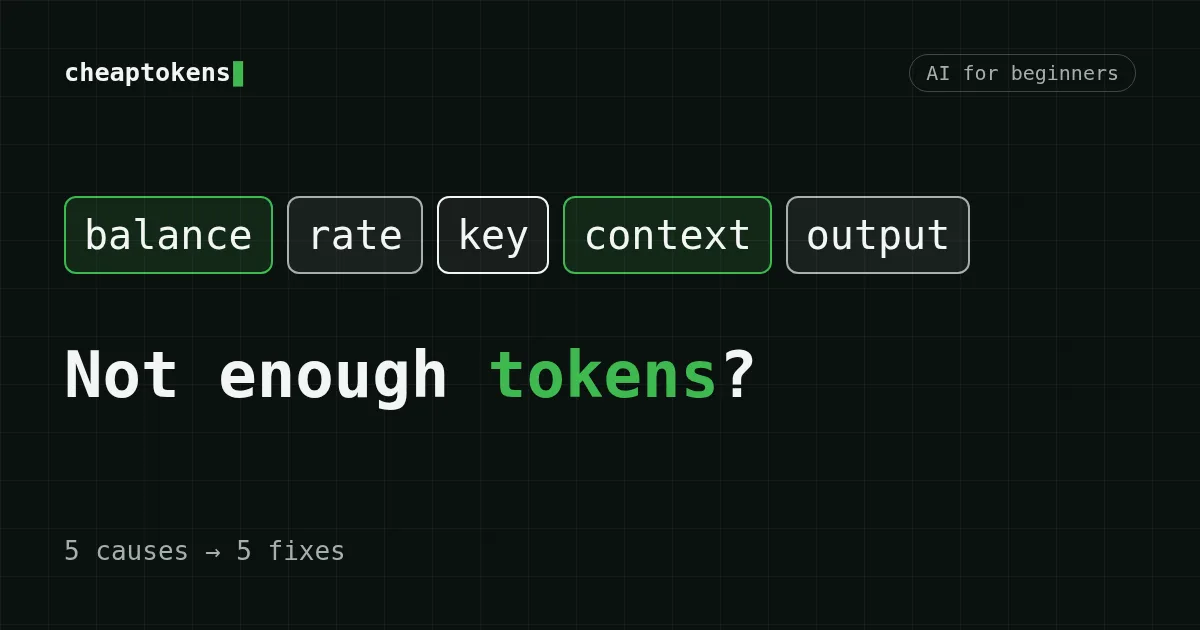
"Not enough tokens" isn't one error. People use the phrase for five different problems: the balance is empty, requests are coming too fast, the key is wrong, the prompt doesn't fit into the model's context window, or the answer hit the output limit and stopped mid-sentence. Each has its own fix, and the quickest way to tell them apart is the HTTP status and the error body, not the wording of the message.
Find your symptom in the table, run the check, apply the fix.
Scroll the table right →
| What you see | Likely cause | Check | Fix |
|---|---|---|---|
| Request refused; the message mentions balance, billing or credit | Balance is empty | Open your account and look at the balance | Top up the balance, retry |
| Works, then fails in bursts, clears after a pause | Rate limit: too many requests at once or per minute | Does the same request pass after you wait a minute? Do you send requests in parallel? | Slow down, retry with a growing delay |
| Every request fails at once, even a one-line prompt | Wrong, expired or mistyped key, or the wrong base URL | Compare the key in your code with the one in your account; check the URL | Paste a fresh key, keep it out of the source code |
| Short prompts work, long ones fail | Prompt plus history is bigger than the context window | Estimate the size of everything you send | Trim or summarize the history, split the document, or pick a model with a larger window |
| No error, but the answer ends mid-sentence | The answer hit the output limit | finish_reason is "length" |
Raise max_tokens up to the model's limit, ask for a shorter format, or ask it to continue |
Three things "tokens" can mean#
The word in the error message points at three different quantities.
- Balance. Tokens are what you pay for, so "out of tokens" often means "out of money". On a prepaid service this is the balance.
- A per-minute limit. Limits can be counted in requests or in tokens per minute. Hit one and the fix is to wait and send less at a time.
- Window size. The context window is how many tokens the model can read in one request, your prompt and its answer together.
And one thing it never means: an API key is not a stock of tokens. The key identifies your account. What runs out is the balance behind it, or a limit attached to it. If you're new to the unit itself, start with What is a token in AI?.
1. The balance is empty#
DeepSeek's API documentation describes HTTP 402 Insufficient Balance as "You have run out of balance". Claude's API uses 402 billing_error for billing and payment problems. Different names, same situation: the money is gone.
CheapTokens works the same way in principle: a prepaid balance, pay as you go, one balance for all models. So when something breaks, look at the balance first. It's a ten-second check and it rules out the most common cause.
2. You hit a rate limit#
DeepSeek documents HTTP 429 Rate Limit Reached as requests coming too fast, or a concurrency or QPS limit being exceeded. The fix is to pace them: fewer parallel requests, and a retry delay that grows (1 s, 2 s, 4 s) instead of hammering the endpoint.
One trap. Claude's API also returns 429 rate_limit_error when you reach the monthly spend cap of your tier, and that response has no retry-after header. So a 429 that never clears after waiting may be about money, not speed. If waiting doesn't help, go back to cause 1.
3. The key is wrong#
HTTP 401 is a key problem in both docs: DeepSeek lists it as a wrong API key, Claude as authentication_. The usual reasons are a stray space or newline copied with the key, a key that was deleted or regenerated, and a key sent to the wrong address. A key from one service doesn't work at another service's URL. For CheapTokens the base URL is https:/.
For the other errors you can hit while connecting, see Common connection errors and how to fix them.
4. The prompt doesn't fit into the context window#
The context window counts everything the model reads in one request: the system prompt, the whole conversation history, your new message, and room for the answer. On CheapTokens, the windows of the models in our catalog are:
Scroll the table right →
| Model | Context window | Max output per answer |
|---|---|---|
| DeepSeek-V4-Flash | 380K | 32,768 tokens |
| GLM-5.3-Flash | 390K | 8,192 tokens |
| MiniMax-M2.7 | 200K | 8,192 tokens |
A chat has no memory of its own. The client sends the whole history again with every request, so each request is bigger than the last. Here's a made-up chat to show the growth (round numbers, for illustration): a system prompt of 1,000 tokens, and every turn adds about 500 tokens of question and 1,500 tokens of answer, 2,000 in total.
1,000 + 30 × 2,000 = 61,000 tokens
That's the size of the history after 30 turns. Every one of those tokens counts as input again on the next request. The 31st request carries that 61,000-token history plus the new 500-token question, so its input is 61,500 tokens. With a 1,500-token answer on MiniMax-M2.7 it costs $0.0033. Here are all three models for the same request, with the OpenRouter price for comparison:
| Model | Input $/1M | Output $/1M | Cost | OpenRouter |
|---|---|---|---|---|
| GLM-5.3-Flash | $0.02 | $0.04 | $0.0013 | $0.0027 |
| DeepSeek-V4-Flash | $0.015 | $0.10 | $0.0011 | $0.0032 |
| MiniMax-M2.7 | $0.05 | $0.15 | $0.0033 | $0.0203 |
61,500 input and 1,500 output tokens in total. Prices per 1M tokens are current and change together with our tariffs; the OpenRouter column shows reference prices for the same workload.
The same chat fills the smallest window in about a hundred turns:
(200,000 − 1,000) / 2,000 = 99.5
When it overflows, the provider rejects the request. The status code varies by provider, so read the error body. Claude's 413 request_, for example, is about the request size in bytes (32 MB for Messages), a different limit from the token window.
What to do:
- Drop the oldest turns, or replace them with a short summary.
- Don't paste a whole document when the task needs one chapter.
- Move to a model with a larger window if you really need the full text.
5. The answer was cut off#
No error here, and that's what makes this one confusing. The model simply stopped because it reached max_tokens or the model's own output limit. In the Chat Completions format the sign is finish_ on the choice.
On CheapTokens, DeepSeek-V4-Flash can return up to 32,768 tokens per answer; GLM-5.3-Flash and MiniMax-M2.7 up to 8,192. If your max_tokens is lower than that, raise it. If you're already at the limit, split the job ("write part 1 of 3") or ask the model to continue from the last sentence.
MiniMax-M2.7 output is priced at $0.15 per 1M tokens, and that's cheaper than OpenRouter on output.
The same problem under different names#
Providers label the same causes differently. This is what their documentation says as of 20 October 2026:
Scroll the table right →
| Problem | DeepSeek API | Claude API |
|---|---|---|
| Balance is empty | 402 Insufficient Balance |
402 billing_error |
| Rate limit | 429 Rate Limit Reached |
429 rate_limit_error (also the tier's monthly spend cap) |
| Bad key | 401 | 401 authentication_ |
| Request too large | not listed as a separate code | 413 request_ (bytes, not tokens) |
| Spend limit you set yourself | not listed | 400 invalid_ |
Sources: DeepSeek error codes, Claude API errors. Neither page shows a publication date, so the check date is ours.
The takeaway: don't guess from the wording. Errors come back as JSON with an error object holding a type and a message. Match on the status and the type, because the message text changes.
See what actually comes back#
This snippet prints the status and the body of a failed request and the finish_reason of a successful one. It's a diagnostic sketch, not a test log: run it with your own key and read what you get.
# Placeholders: YOUR_API_KEY, MODEL_ID (a model id you have access to)
from openai import OpenAI, APIStatusError

client = OpenAI(api_key="YOUR_API_KEY", base_url="https://api.cheaptokens.dev/v1")

try:
    r = client.chat.completions.create(
        model="MODEL_ID",
        messages=[{"role": "user", "content": "Write a long checklist."}],
        max_tokens=1000,
    )
except APIStatusError as e:
    # Read the status and the body, not the wording of the message
    print("status:", e.status_code)
    print("body:", e.body)
else:
    print("finish_reason:", r.choices[0].finish_reason)  # "length" = cut off
    print("usage:", r.usage)  # prompt_tokens and completion_tokens
If the check points at the balance#
Top up the balance and send the request again. Prices on CheapTokens are fixed per model, there are no peak hours, and one balance covers every model, so you don't need a separate top-up for each. The current rates are here:
| Model | Context | Input $/1M | Output $/1M | OpenRouter in | OpenRouter out |
|---|---|---|---|---|---|
| GLM-5.3-Flash reasoning | 390K | $0.02 | $0.04 | $0.0413 | $0.0758 |
| DeepSeek-V4-Flash | 380K | $0.015 | $0.10 | $0.0475 | $0.1568 |
| MiniMax-M2.7 | 180K | $0.05 | $0.15 | $0.30 | $1.20 |
Prices in USD per 1M tokens. OpenRouter figures shown for comparison and may change.
Plug your own volume into the cost table before you top up. Top up your balance when the numbers look right, and if you want to estimate a bigger workload first, see How to estimate the cost of an AI agent.


