AI for beginnersGuide
How to read AI model names: alias vs pinned version
What deepseek-flash, DeepSeek-V4-Flash-0731 and Flash/Pro mean in an API request, and what to check in the docs before you put a model id into code.
On this page
Open any AI API page and you meet names like deepseek-flash, deepseek-v4-pro or DeepSeek-. They look like labels, but the string you put in the model field decides which model answers and what you are billed. This guide shows how to read these names, why the same name can change under you, and what to check before you paste an id into code.
Anatomy of a model name#
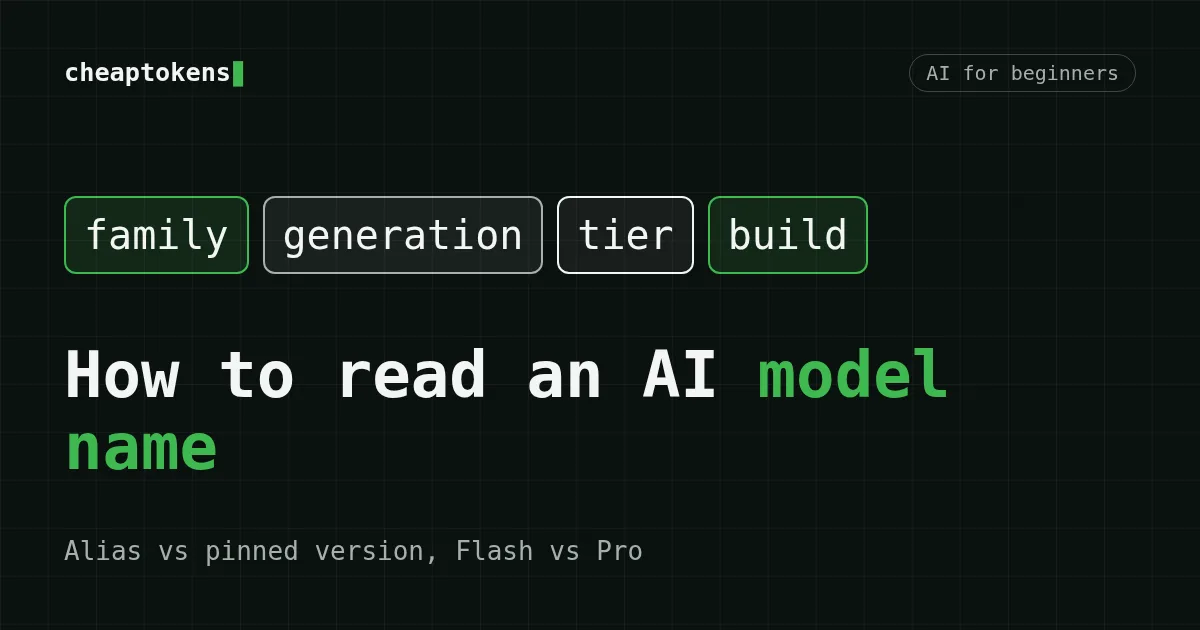
Take DeepSeek- and split it into parts:
Scroll the table right →
| Part | Example | What it tells you |
|---|---|---|
| Family / developer | DeepSeek |
Who made the model |
| Generation | V4, V4.1 |
A new generation or a point release; behaviour can differ |
| Tier | Flash, Pro |
The size / speed class inside a family |
| Build suffix | 0731, 1017 |
A specific build, often written as month and day |
Two cautions. The suffix is a convention, not a law: 1017 fits the release date of DeepSeek-V4.1-Flash-1017 (17 October 2026), but always confirm it on the model's page instead of guessing. And a name written in a docs page (DeepSeek-) is not always the string the API accepts (deepseek-): the display name is for people, the id is for code.
Flash and Pro#
Developers usually ship several tiers of one generation. Flash is normally the faster, lighter tier meant for high-volume work: chat, extraction, agent loops. Pro is normally the larger tier for harder tasks. The words are the developer's own marketing, so they are not comparable between families: a Flash from one company is not the same size as a Flash from another. What matters is that deepseek-flash and deepseek-v4-pro are two different model names, so check the price table of whichever one you use. If you switch the tier, re-check the price table.
Alias vs pinned version#
There are two kinds of ids, and the difference is the most important thing in this article.
- Alias — a name the provider points at some model and may re-point later.
deepseek-flashis an alias: as of 22 October 2026, DeepSeek's docs say it is served by DeepSeek-V4.1-Flash-1017, and the way you call it is unchanged. Tomorrow the same string can lead to a newer build. - Pinned version — an id that includes the build, such as
deepseek-. It names one specific build, so the answers you tested yesterday should come from the same build today.v4- flash- 0731
An alias is convenient: you get improvements without editing code. A pinned id is predictable: good for tests, evaluations, reports and anything where a change of behaviour would surprise you. Neither is "better"; pick on purpose.
The same name can change under you#
The DeepSeek change from October 2026 is a live example. According to the DeepSeek docs, checked on 22 October 2026:
deepseek-flashis currently served by DeepSeek-V4.1-Flash-1017;- the older names
deepseek-andv4- flash deepseek-are still accepted, but those models are retired, so requests go to DeepSeek-V4.1-Flash-1017 and are billed at the Flash price;v4- flash- vision- exp deepseek-v4-prois a separate, current model name.
So your old code may keep working and still run a different model than when you wrote it. That is fine if you wanted the latest, and a trap if you compared results across weeks. The docs page has no publication date, so treat the mapping as true for the date above and re-read it when it matters. What changed in the model itself is covered in DeepSeek-V4.1-Flash-1017 is out.
What to check before you put an id into code#
- Copy the id from the docs of the provider you actually call. Different providers name the same family differently, so take the id from the CheapTokens docs when you call CheapTokens, and from DeepSeek's docs when you call DeepSeek. Do not mix them.
- Decide: alias or pinned? If the string has no date or build suffix, assume it can move.
- Check the base URL and API style. CheapTokens speaks the OpenAI Chat Completions and Anthropic Messages formats at
https:/; DeepSeek's own API uses/ api. cheaptokens. dev/ v1 https:/(OpenAI-style) and/ api. deepseek. com https:/(Anthropic-style). A correct id on the wrong base URL is an error./ api. deepseek. com/ anthropic - Open the price table for exactly that id and note the date. Prices belong to a model, not to a family.
- Keep the id in one place (a config file or an environment variable) rather than scattered through the code.
- Log the model that answered. OpenAI-style responses carry a
modelfield; save it next to your results.
import os
from openai import OpenAI

client = OpenAI(
    base_url="https://api.cheaptokens.dev/v1",
    api_key=os.environ["CHEAPTOKENS_API_KEY"],
)

# Take the exact id from the CheapTokens docs; this one is an example.
MODEL_ID = os.environ.get("MODEL_ID", "minimax-m2.7")

response = client.chat.completions.create(
    model=MODEL_ID,
    messages=[{"role": "user", "content": "Say hello in five words."}],
    max_tokens=50,
)

print("asked for:", MODEL_ID)
print("answered by:", response.model)
print(response.choices[0].message.content)
The two printed lines are the habit worth building: what you asked for and what answered. Never hard-code the key; see What is an API key and how to store it safely. If this is your first call, start with Your first API request with CheapTokens.
Compare prices and results version to version#
Most confusion comes from comparing the wrong things. Before you compare two prices or two answers, write down for both sides: the exact id, the provider, and the date. Two ids that both say "Flash" but carry a different generation or build suffix are different models with different release dates. The same goes for benchmarks from a news post: they belong to the build named in the post and are not a promise about any other id.
It also works the other way. When you test a model on your own prompts, keep the prompt set fixed and change one thing at a time: the id, or the prompt, not both. Counting tokens for the comparison? What is a token explains how the numbers are measured.
Example ids to practise on#
CheapTokens keeps one balance for all models, so you can switch ids with the same key:
- MiniMax-M2.7 (
minimax-m2.7, gateway idMiniMaxAI/): 180K context, up to 8,192 output tokens, one price at any hour. Input $0.05 and output $0.15 per 1M tokens, both below OpenRouter's reference.MiniMax- M2. 7
The table below recalculates live for a small job of 100,000 input and 20,000 output tokens, with an OpenRouter column for reference:
| Model | Input $/1M | Output $/1M | Cost | OpenRouter |
|---|---|---|---|---|
| GLM-5.3-Flash | $0.02 | $0.04 | $0.0028 | $0.0056 |
| DeepSeek-V4-Flash | $0.015 | $0.10 | $0.0035 | $0.0079 |
| MiniMax-M2.7 | $0.05 | $0.15 | $0.008 | $0.054 |
100,000 input and 20,000 output tokens in total. Prices per 1M tokens are current and change together with our tariffs; the OpenRouter column shows reference prices for the same workload.
Note that each row is one specific id. If you swap minimax-m2.7 for another id, you change both the model and the price.
Quick recap#
- The
modelstring decides which model answers and what it costs. - An id without a build suffix is probably an alias and may be re-pointed; an id with a build is pinned.
- Old names can keep working while quietly running a newer model, as with
deepseek-in DeepSeek's docs on 22 October 2026.v4- flash - Flash and Pro are tiers inside one family, not universal sizes.
- Always copy the id from the docs of the provider you call, and log which model answered.
Ready to try it? Get a key, top up the balance and send the snippet above with a model id from the CheapTokens docs.


