Tools & integrationsGuide
Connect Crush to CheapTokens: crushrc provider, model, key
Add CheapTokens to Crush with two crushrc commands: a completions provider and a model with real limits; the key comes from an environment variable.
On this page
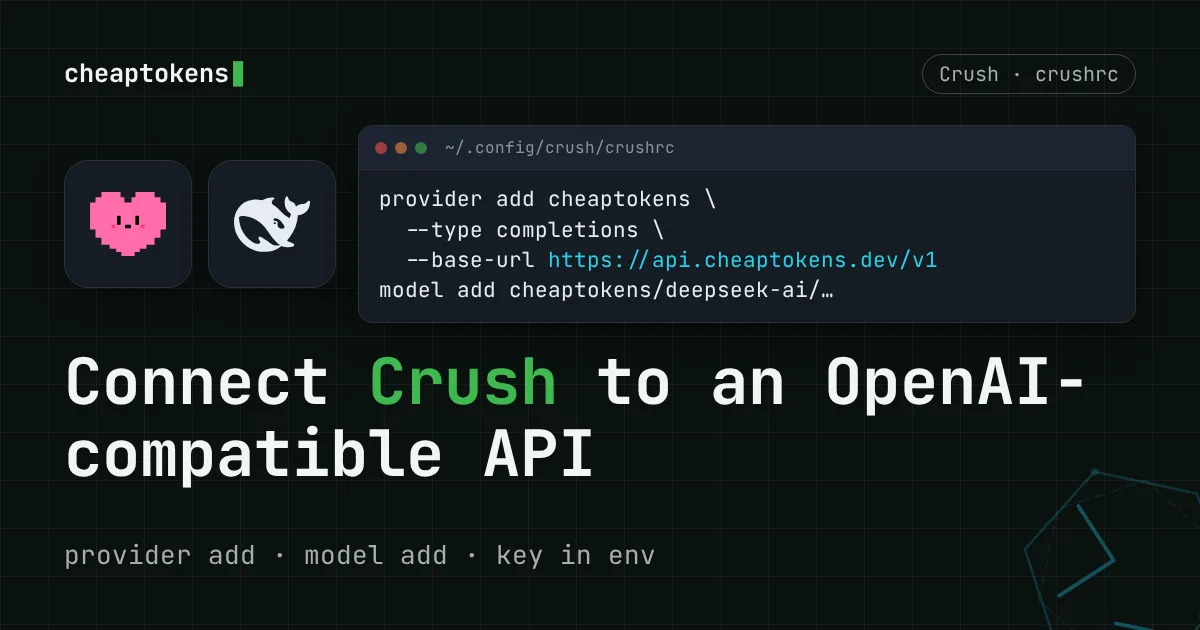
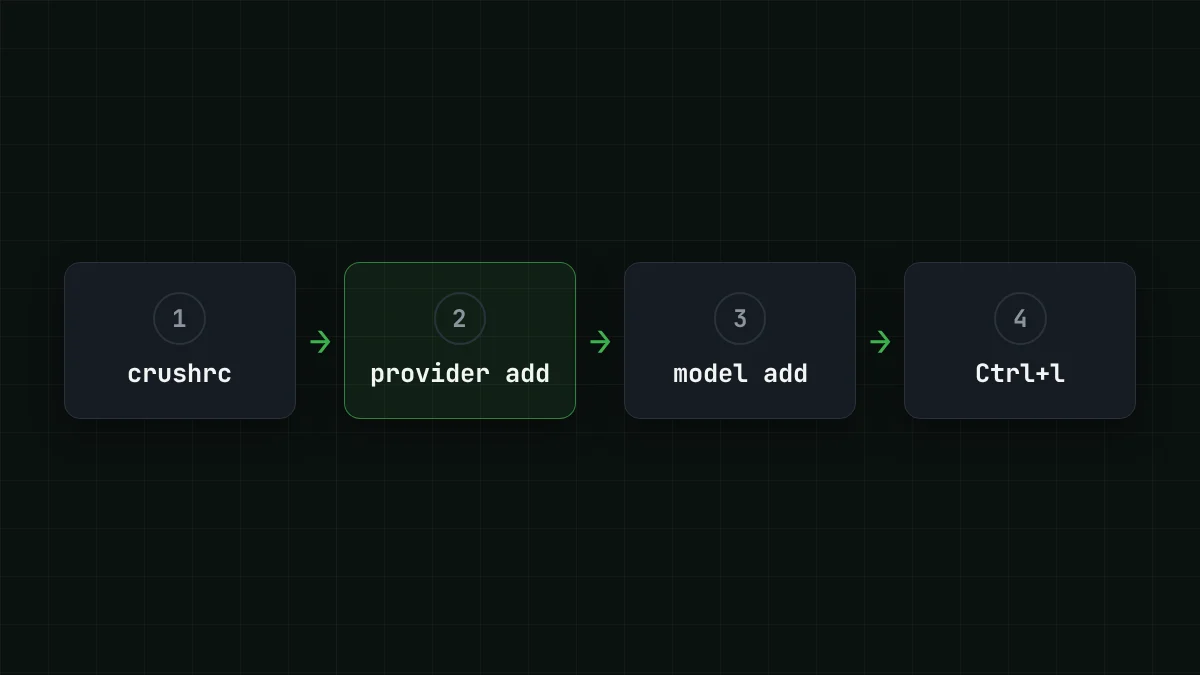
To connect Crush to CheapTokens, put two commands into your crushrc: provider add with the base URL https:/ and -, and model add with the full model id. Then open Crush, press Ctrl+l, pick the model and give it a task. The key stays in an environment variable, not in the file.
If you followed an older guide, it probably edits crush.json. Crush still reads that file, but its README calls it deprecated: the current config is crushrc, and since v0.99.0 (29 October 2026) the provider --type describes the API format, not the vendor. The sources are the Crush README and the release notes, checked on 10 November 2026; the latest stable release at that date is v0.100.0.
Install Crush#
Pick whichever package manager you already have. Crush is one binary, so it doesn't matter which route you take.
Install Crush
Homebrew
brew install charmbracelet/tap/crushnpm
npm install -g @charmland/crushwinget
winget install charmbracelet.crushGo
go install github.com/charmbracelet/crush@latestThe README also lists apt and yum repositories, Scoop, Nix, Arch and FreeBSD. Run crush once to check that it starts, then quit.
Put CheapTokens into crushrc#
The README describes crushrc as "just Bash with some Crush-specific builtins". That is the whole trick: you write shell, and provider add and model add are commands Crush understands. Crush looks for the file in this order: ./.crushrc, ./crushrc, then ~/.
So you choose where it lives. A project-local .crushrc applies to one repository; the one in ~/.config/crush/ applies everywhere. For the first try, the global one is easier.
First put the key into your shell. Create it in your CheapTokens dashboard and export it (the value below is a placeholder):
export CHEAPTOKENS_API_KEY="your-key-here"Then open ~/ and write:
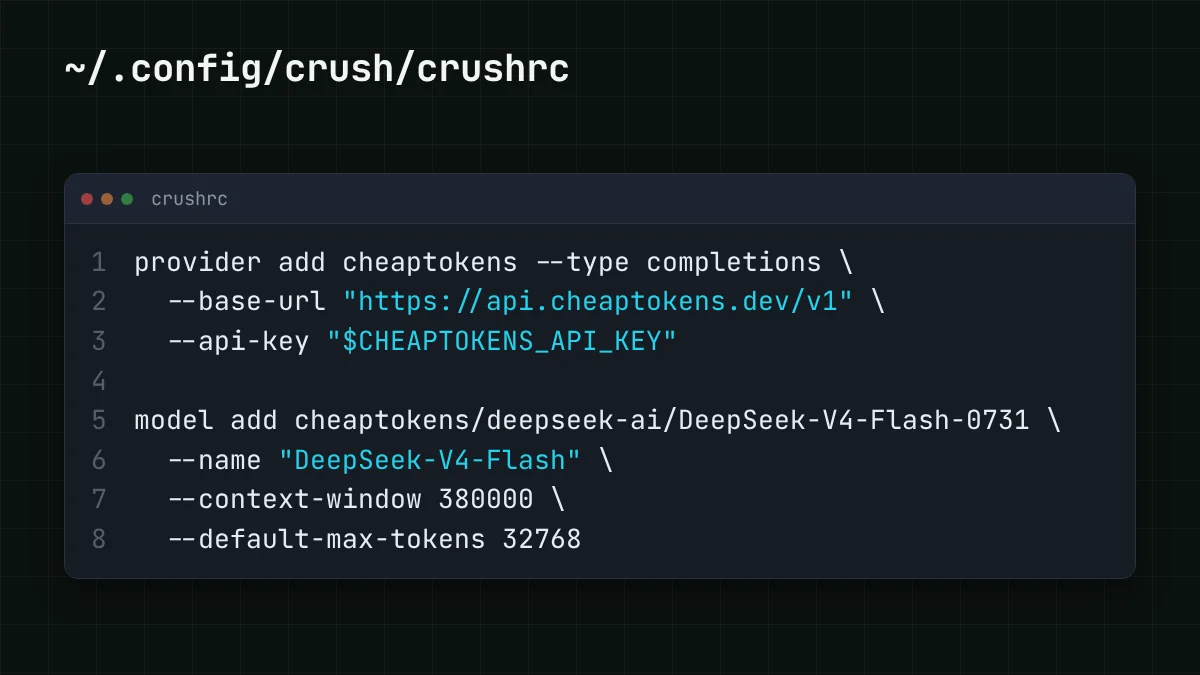
provider add cheaptokens --type completions \
  --base-url "https://api.cheaptokens.dev/v1" \
  --api-key "$CHEAPTOKENS_API_KEY"

model add cheaptokens/deepseek-ai/DeepSeek-V4-Flash-0731 \
  --name "DeepSeek-V4-Flash" \
  --context-window 380000 \
  --default-max-tokens 32768
A few details are worth a second look:
-is the Crush name for OpenAI-compatible providers that aren't OpenAI itself.- type completions responsesis for OpenAI proxying,messagesfor Anthropic-compatible ones. The oldopenai-compatstill works and gets migrated.- The base URL ends in
/v1. That is the CheapTokens address for OpenAI-style Chat Completions; the full list of endpoints is in the CheapTokens docs. $CHEAPTOKENS_is expanded by the shell, so the file holds no secret and a projectAPI_ KEY .crushrccan go into git safely.- The model id is the full one,
deepseek-. A short id such asai/ DeepSeek- V4- Flash- 0731 deepseek-is rejected by the API. After the provider name comes a second slash, because the id itself has one.v4- flash -is the rounded 380K of DeepSeek-V4-Flash, and- context- window 380000 -is its per-answer limit. These are the real limits of the model in CheapTokens: 380K context and up to 32,768 tokens per answer. Put them into- default- max- tokens 32768 model addinstead of leaving the sample values from the README (64000 and 5000).
The README shows model add only with a simple id (deepseek/). Your id has an extra slash, so the model picker in the next step is the real check: if the model shows up under cheaptokens, the line was read as intended.
Want another model on the same balance? Add one more model add line with its own id and limits. GLM-5.3-Flash is zai- (390K context, up to 8,192 tokens per answer), and MiniMax-M2.7 is MiniMaxAI/ (180K context, up to 8,192 tokens per answer). Keep - at or below the answer limit of the model you add.
Open Crush and run a first task#
Start crush in a project folder. Press Ctrl+l to open the model picker and choose DeepSeek-V4-Flash from the cheaptokens group. The README doesn't describe a crushrc command for the default model, so the picker is the way.
Now give it something small and checkable, say: Read this repo and tell me which file starts the app, in two lines. An answer that names a real file means the whole chain works: key, base URL, model id.
Try it yourselfTry it: you press Ctrl+l and the model is not in the list. What do you check first?Show answer
The file location and the variable. Crush looks for the config by priority: ./.crushrc, ./crushrc, ~/. Check that the project has no other .crushrc or crushrc with different content, and that the provider was added in the file you edited. And echo $CHEAPTOKENS_ must print the key in the same shell where you start crush.
The permission prompts are there on purpose. permissions allow <tools> in crushrc lets named tools run without asking; --yolo skips every prompt, and the README itself says to be very careful with it.
What a coding session costs#
An agent step in a terminal is input-heavy: Crush sends the history, file contents and tool output every time, and gets a modest answer back. Say an average step sends 30,000 tokens and receives 2,000. On DeepSeek-V4-Flash that step costs $0.00065, and the price is the same at any hour, with no peak times. Counted with input and output together, that is cheaper than OpenRouter's reference price.
Swap in your own numbers: a session of 40 such steps is one slider away.
Cost calculator
One day of a coding agent in Crush
Input tokens per request: 30,000 · Output tokens per request: 2,000 · Requests per day: 40
| Model | Per day | Per month |
|---|---|---|
| GLM-5.3-Flash$0.02$0.04 | $0.0272 | $0.816 |
| DeepSeek-V4-Flash$0.015$0.10 | $0.026 | $0.78 |
| MiniMax-M2.7$0.05$0.15 | $0.072 | $2.16 |
The input per step grows as the session goes on, so check a long session against the 380K window rather than the average. Current per-token prices for every model are on the pricing page.
If it doesn't work#
Crush writes a log in your project, .. Read it before guessing:
crush logs --tail 500
crush logs --follow
crush --debug
You can also put option debug true into crushrc to keep debug output on. Then match what you see against the HTTP status the API returned:
- 401: the key was sent but not recognized: a typo or a replaced key. Create or copy it again.
- 402: the balance or the key's limit is used up. A request with no key at all looks the same, so run
echo $CHEAPTOKENS_in the shell where you startAPI_ KEY crush. If the key is there, top up the balance. - 429: too many requests in a short time. Wait for the
Retry-Aftervalue and try again. - 400 or "model not found": look at the model id. It must be the full one from the docs, with the vendor prefix.
If you moved from crush.json, note that ~/ is Crush's state, not a config; don't edit it by hand.
For the same setup in other tools, see Connect Aider to CheapTokens and Connect Kilo Code to CheapTokens. The model page for cheap DeepSeek has the limits of the model used here.


