TroubleshootingGuide
AI answer cut off? Fix finish_reason "length" and max_tokens
Your API answer stops mid-sentence or returns broken JSON? Check finish_reason, raise max_tokens within the limit and add a continue step.
On this page
Your script ran, the model answered, and the function ends in the middle of a line. Or the JSON parser throws on a perfectly normal-looking reply. Most often the model did not fail: it hit the max_tokens limit you set (or a default you never saw) and the API stopped it mid-word.
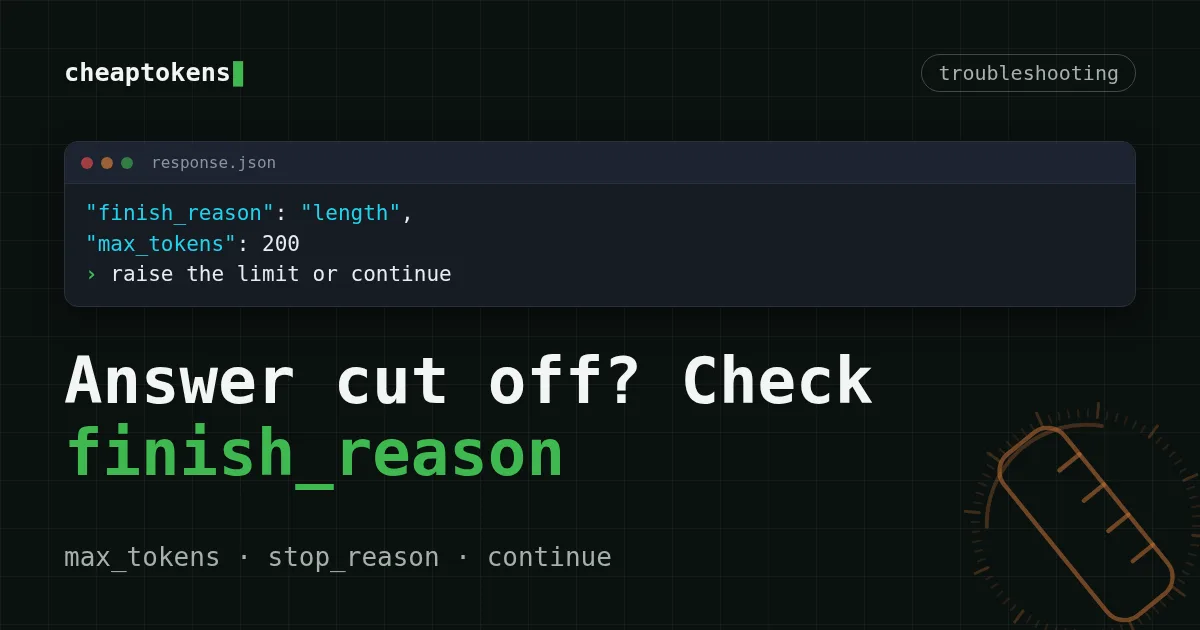
The quick fix: read finish_reason in the response. If it is "length" (OpenAI-compatible API) or stop_reason is "max_tokens" (Anthropic Messages), the answer was cut. Raise max_tokens up to the model's output limit, or ask the model to continue. The rest of this page shows both in code you can paste.
If you want the plain-English version of why this happens, start with why an AI answer stops mid-sentence. This page is the debugging version.
How a cut-off answer looks on screen#
The symptoms differ by what you asked for, but the cause is the same. Try matching these to what you have seen:
Match the pairs
Match the symptom to its likely cause
Tap an item on the left, then its pair
- A function ends with
return resuThe code answer hit max_tokens mid-line json.loadsfails with "Unterminated string" or "Expecting ',' delimiter"The JSON was cut off mid-way- A translation stops after the first half of the textThe output limit is smaller than the translation
- The reply is complete and the field says
stopThe model finished on its own; look elsewhere
That last row matters. If finish_reason is stop, the limit is not your problem, and raising max_tokens will change nothing.
Step 1: read the field that tells you#
Every response says why generation ended. In an OpenAI-compatible response it is choices[0].: "stop" when the model finished, "length" when it ran out of tokens. In the Anthropic Messages API the field is stop_reason, and the cut-off value is "max_tokens". Anthropic's stop-reason guide (checked 28 October 2026) recommends exactly the two fixes below: raise max_tokens or continue the response.
Here is the same check in three forms. The base URL is https:/ for the OpenAI SDK and https:/ (no /v1) for the Anthropic SDK. The max_tokens=200 is deliberately small, so you can see the cut for yourself.
One check, three ways
Python (OpenAI SDK)
import os
from openai import OpenAI

client = OpenAI(
    base_url="https://api.cheaptokens.dev/v1",
    api_key=os.environ["CHEAPTOKENS_API_KEY"],
)

resp = client.chat.completions.create(
    model="deepseek-ai/DeepSeek-V4-Flash-0731",
    max_tokens=200,
    messages=[{"role": "user", "content": "Write a Python class for a todo list with tests."}],
)

choice = resp.choices[0]
if choice.finish_reason == "length":
    print("Cut off at the token limit")
print(choice.message.content)
print(resp.usage.completion_tokens)
Python (Anthropic SDK)
import os
import anthropic

client = anthropic.Anthropic(
    base_url="https://api.cheaptokens.dev",
    api_key=os.environ["CHEAPTOKENS_API_KEY"],
)

msg = client.messages.create(
    model="deepseek-ai/DeepSeek-V4-Flash-0731",
    max_tokens=200,
    messages=[{"role": "user", "content": "Write a Python class for a todo list with tests."}],
)

if msg.stop_reason == "max_tokens":
    print("Cut off at the token limit")
print(msg.content[0].text)
curl
curl https://api.cheaptokens.dev/v1/chat/completions \
  -H "Authorization: Bearer $CHEAPTOKENS_API_KEY" \
  -H "Content-Type: application/json" \
  -d '{
    "model": "deepseek-ai/DeepSeek-V4-Flash-0731",
    "max_tokens": 200,
    "messages": [{"role": "user", "content": "Write a Python class for a todo list with tests."}]
  }'
Look for "finish_ in the JSON that comes back.
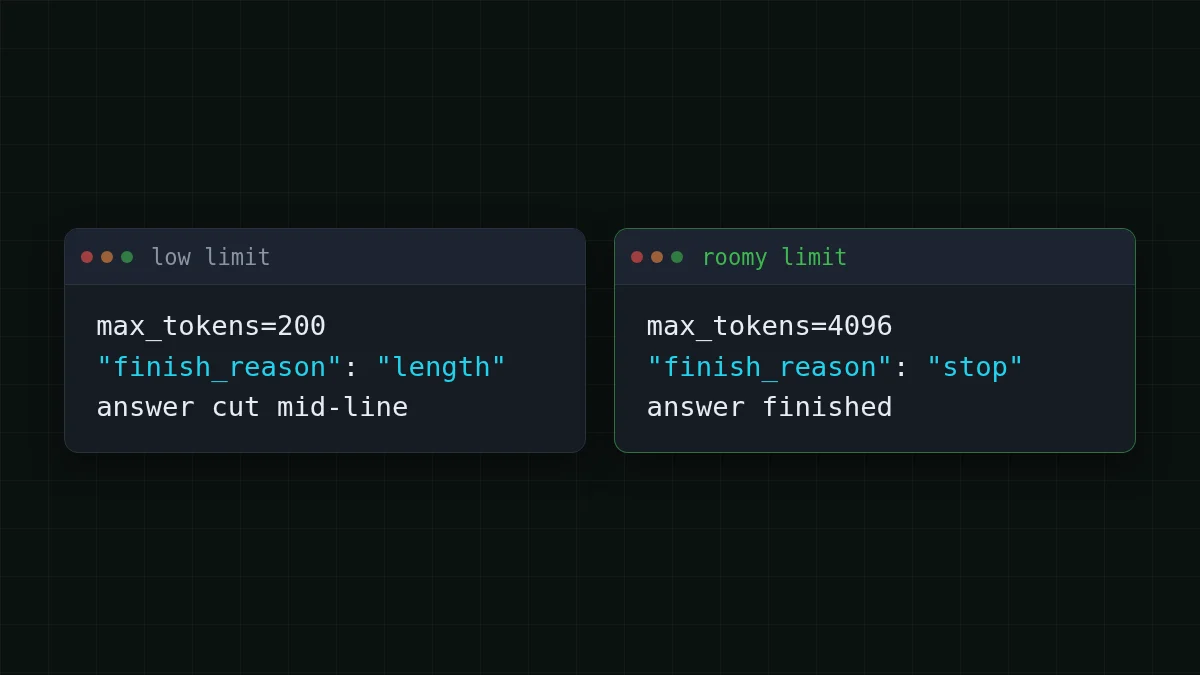
When it works as a diagnosis, you will see this pair: a low limit gives length, a roomy limit gives stop.
Step 2: raise max_tokens, but not past the ceiling#
The obvious fix is a bigger number. The catch: every model has its own cap on the answer. Do not set a value above it: the limit is per model, so check the table below first. These are the per-answer limits on CheapTokens (facts checked 28 October 2026):
Scroll the table right →
| Model | Max output per answer | Context |
|---|---|---|
| DeepSeek-V4-Flash | 32,768 tokens | 380K |
| GLM-5.3-Flash | 8,192 tokens | 390K |
| MiniMax-M2.7 | 8,192 tokens | 180K |
A 9,000-token translation needs a model with a larger per-answer limit — DeepSeek-V4-Flash takes up to 32,768 tokens per answer. For long code, long JSON or a whole document, deepseek- has the most room: up to 32,768 tokens per answer, one price at any hour of the day. Take the exact model ids from the CheapTokens docs and the models page, since providers name them differently.
A practical rule: set max_tokens to the longest answer you would accept, not to the maximum. You pay for tokens the model actually writes, so a high ceiling costs nothing when answers are short.
Step 3: JSON that stops halfway#
A cut-off JSON reply is the nastiest case, because the text looks right until the parser hits the end. Say you extract fields from 40 invoices in one call and ask for an array. The model writes 31 objects, reaches the limit, and the array never closes.
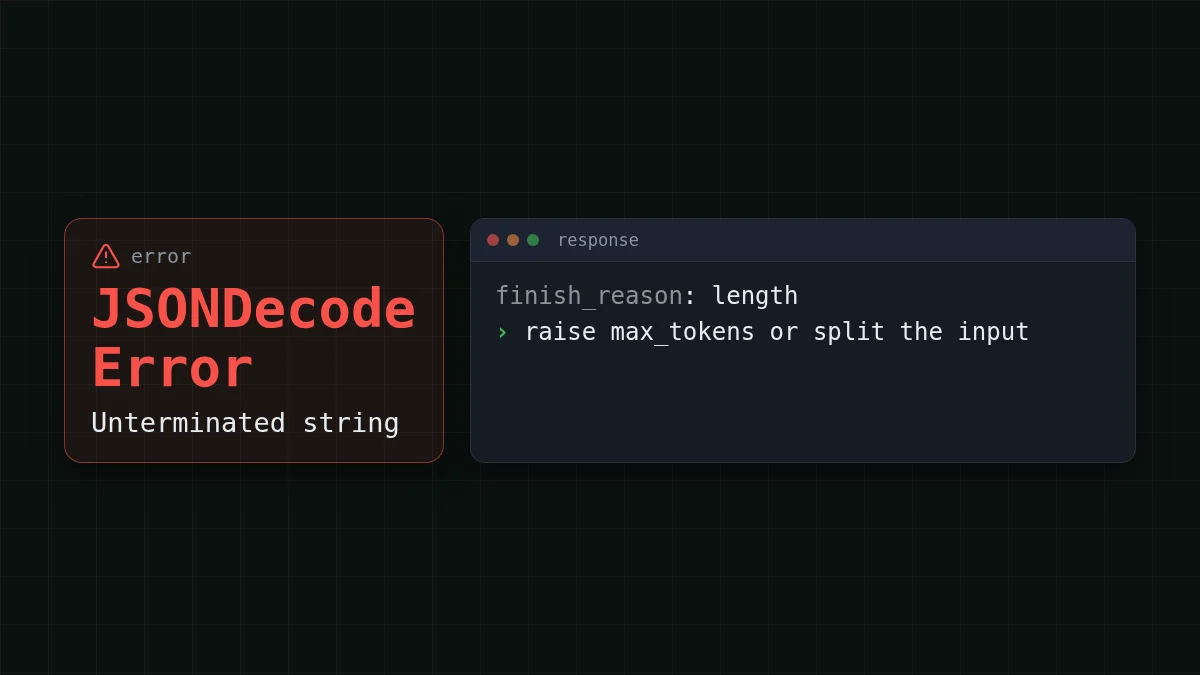
Do not try to repair the string by adding ]}. You will get valid JSON with missing records, which is worse than an error. Check finish_reason first; if it is length, either raise the limit and rerun the call, or split the input into smaller batches. For forcing the format itself, see valid JSON from an LLM API.
Step 4: let the model continue#
Sometimes the answer genuinely is longer than any limit: a book chapter, a big refactor. Then feed what you have back and ask the model to go on. The loop below keeps the text it has so far, asks for the rest, and gives up after a few rounds so a bug cannot spin forever.
def complete(base_messages, model, max_tokens=4096, rounds=4):
    text = ""
    for _ in range(rounds):
        messages = list(base_messages)
        if text:
            messages += [
                {"role": "assistant", "content": text},
                {"role": "user", "content": "Continue exactly where you stopped. Do not repeat anything."},
            ]
        r = client.chat.completions.create(model=model, max_tokens=max_tokens, messages=messages)
        choice = r.choices[0]
        text += choice.message.content or ""
        if choice.finish_reason != "length":
            return text, True   # finished on its own
    return text, False          # still cut after all rounds
Two habits keep this honest. Return the True/False flag and show the user a warning on False, rather than presenting half a document as done. And remember that each round resends the earlier text as input, so a continued answer costs more than one big answer. For structured data, prefer a bigger limit or smaller batches over continuing.
What a long answer costs#
Say a long answer is 2,000 tokens in and 8,000 tokens out. On DeepSeek-V4-Flash that request costs $0.00083 at today's price, and in total, with input and output counted together, it is cheaper than OpenRouter. Change the numbers to your own load:
Cost calculator
A day of 50 long answers
Input tokens per request: 2,000 · Output tokens per request: 8,000 · Requests per day: 50
| Model | Per day | Per month |
|---|---|---|
| GLM-5.3-Flash$0.02$0.04 | $0.018 | $0.54 |
| DeepSeek-V4-Flash$0.015$0.10 | $0.0415 | $1.25 |
| MiniMax-M2.7$0.05$0.15 | $0.065 | $1.95 |
The takeaway: the output side dominates in this scenario, so headroom in max_tokens is cheap insurance against a rerun. A cut answer that you have to regenerate is paid for twice. Background on the two sides of the bill is in input vs output tokens, and the full model list with prices is on the pricing page.
Before you ship: a short checklist#
Checklist
Truncation checklist for your code


