API & SDKGuide
LiteLLM with a custom api_base: call CheapTokens in Python
Use the openai/ prefix, api_base and a full model id to call CheapTokens from litellm.completion() and a LiteLLM proxy config.yaml, and fix Not Found.
On this page
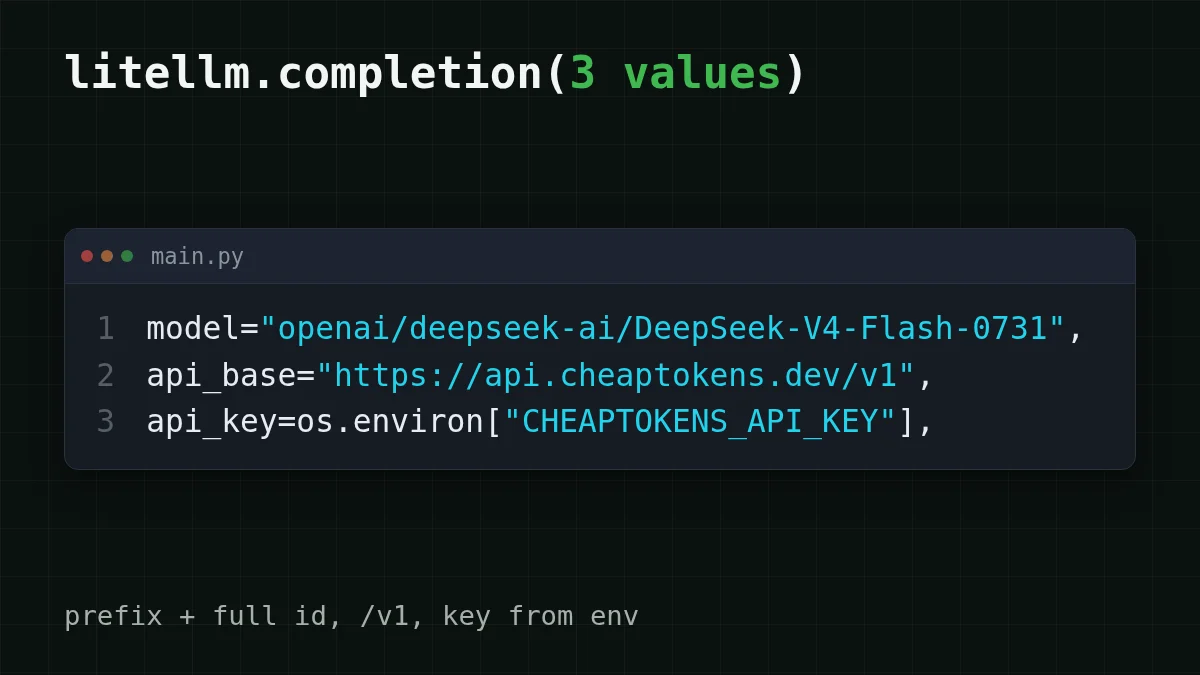
To send LiteLLM to CheapTokens you change three values: model gets the openai/ prefix in front of the full model id, api_base becomes https:/, and api_key is your CheapTokens key. That is the whole switch, both for litellm. in Python and for a LiteLLM proxy.
Say you already have a project that calls litellm. with an OpenAI or Anthropic model, and you want to try a cheaper one without touching the rest of the code. The prefix is what makes it work: LiteLLM's OpenAI-compatible provider docs (checked 29 October 2026) say that for any OpenAI-compatible endpoint you set the model with openai/ so LiteLLM routes to the OpenAI provider, then pass api_base and api_key next to it. CheapTokens speaks the OpenAI Chat Completions format at https:/, so it fits.
The same call in Python and in a proxy#
The two setups are short. Pick the tab that matches how you run LiteLLM.
One CheapTokens model, two ways to call it
Python SDK
import os
import litellm

response = litellm.completion(
    model="openai/deepseek-ai/DeepSeek-V4-Flash-0731",
    api_base="https://api.cheaptokens.dev/v1",
    api_key=os.environ["CHEAPTOKENS_API_KEY"],
    messages=[{"role": "user", "content": "Explain what api_base does in one sentence."}],
    max_tokens=200,
)

print(response.choices[0].message.content)
print(response.usage)
Keep the key in an environment variable, not in the file.
Proxy config.yaml
model_list:
  - model_name: cheap-chat
    litellm_params:
      model: openai/deepseek-ai/DeepSeek-V4-Flash-0731
      api_base: https://api.cheaptokens.dev/v1
      api_key: os.environ/CHEAPTOKENS_API_KEY
Start it with litellm -. Clients ask the proxy for cheap-chat and never see the real model id.
Call the proxy
curl http://localhost:4000/v1/chat/completions \
  -H "Content-Type: application/json" \
  -d '{"model": "cheap-chat", "messages": [{"role": "user", "content": "Say hi"}]}'
The proxy listens on port 4000 by default. Swap the model behind cheap-chat later and this request does not change.
The model id is the part people trip on. The id CheapTokens accepts is the full one, deepseek-, and openai/ goes in front of it. Not deepseek-, not just the prefix plus a short name. If you are unsure what a model is called, list the models with GET /v1/models and copy the id from the answer.
What you should see#
Run the Python tab. The first print shows the model's text. The second shows response.usage, the token counts for that one call: prompt_tokens for what you sent and completion_ for what the model wrote. LiteLLM returns them in the OpenAI shape, so code that already reads usage keeps working. If you want to turn those two numbers into a running bill, tracking agent token cost in Python shows how.
Adding more models to the proxy#
The point of model_name is that your clients keep one alias while you change what sits behind it. A model_list can hold several entries, all pointing at the same api_base and the same key, because one CheapTokens balance covers every model:
model_list:
  - model_name: cheap-chat
    litellm_params:
      model: openai/deepseek-ai/DeepSeek-V4-Flash-0731
      api_base: https://api.cheaptokens.dev/v1
      api_key: os.environ/CHEAPTOKENS_API_KEY
  - model_name: cheap-glm
    litellm_params:
      model: openai/zai-org/GLM-5.3-Flash
      api_base: https://api.cheaptokens.dev/v1
      api_key: os.environ/CHEAPTOKENS_API_KEY
  - model_name: cheap-minimax
    litellm_params:
      model: openai/MiniMaxAI/MiniMax-M2.7
      api_base: https://api.cheaptokens.dev/v1
      api_key: os.environ/CHEAPTOKENS_API_KEY
Which alias for which job? For chat and agent calls where the answer can run long, DeepSeek-V4-Flash is the one to start with: 380K context, up to 32,768 output tokens per answer, and a fixed price with no peak hours. GLM-5.3-Flash has a 390K context and up to 8,192 output tokens. MiniMax-M2.7 has 180K context. The DeepSeek page has the details, and pricing lists current rates for all three.
When it breaks: Not Found and 401#
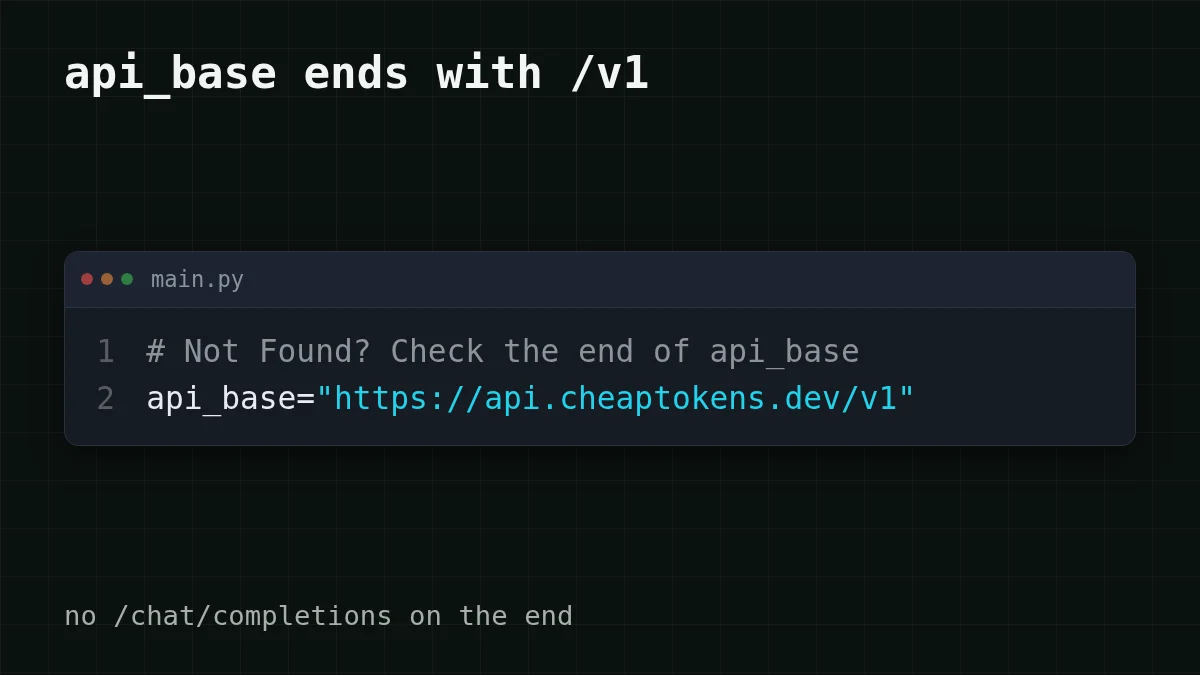
Two errors cover most failed first calls. The LiteLLM docs say not to add anything extra to the base URL, and that on a Not Found error you should check that api_base ends in /v1. One catch: the docs' own example for a local proxy uses http:/ with no /v1. That is a different server. For CheapTokens the /v1 stays.
Pick your case
What does your error look like?
Choose an option to see the answer
Not Found (404)
Check api_base. It must be exactly https:/, with /v1 and without / on the end. LiteLLM adds the rest of the path itself.
401 Unauthorized
The key is missing, wrong, or LiteLLM read an empty environment variable. Print the length of os., not the key itself, to check it is set, and make sure you did not pass an OpenAI key by habit.
The model is rejected
Compare the id letter by letter with the one from /v1/models. The openai/ prefix is for LiteLLM only; what follows it is the full CheapTokens id, including the developer part before the slash.
For the full walk through status codes see API 401 or 404: wrong key, base URL or model id. If you want the idea behind api_base first, what base_url is and how to switch explains it with the plain-language version.
Quick check
Your api_base is https://api.cheaptokens.dev and the call returns Not Found. What do you change first?
Show answer
Answer: Add /v1 so it reads https://api.cheaptokens.dev/v1
Not Found points at the path. The key would give 401, and the prefix is what tells LiteLLM to use the OpenAI-style request.
What a thousand calls cost#
Assume a support bot behind the proxy sends 1,000 requests a day, each with about 2,000 tokens in (the question plus context) and 500 tokens out. Here is that load on live prices, with an OpenRouter column to compare in total, input and output counted together:
| Model | Input $/1M | Output $/1M | Per request | 1,000 requests | OpenRouter, 1,000 requests |
|---|---|---|---|---|---|
| GLM-5.3-Flash | $0.02 | $0.04 | $0.00006 | $0.06 | $0.121 |
| DeepSeek-V4-Flash | $0.015 | $0.10 | $0.00008 | $0.08 | $0.173 |
| MiniMax-M2.7 | $0.05 | $0.15 | $0.00018 | $0.175 | $1.20 |
2,000 input and 500 output tokens per request. Prices per 1M tokens are current and change together with our tariffs; the OpenRouter column shows reference prices for the same workload.
For DeepSeek-V4-Flash that load costs $0.08 per day, and the table shows it is cheaper than OpenRouter in total. Change the two numbers to your own average request and you have your budget.
That is all LiteLLM needs: three values, one /v1, and a full model id. Add the key from your dashboard and run the Python tab.


