Cost optimizationGuide
Natural language to shell command with an LLM API: JSON and cost
A Python script that asks a cheap model for one shell command as JSON, refuses or flags unsure requests, never runs anything, and prices 1,000 requests.
On this page
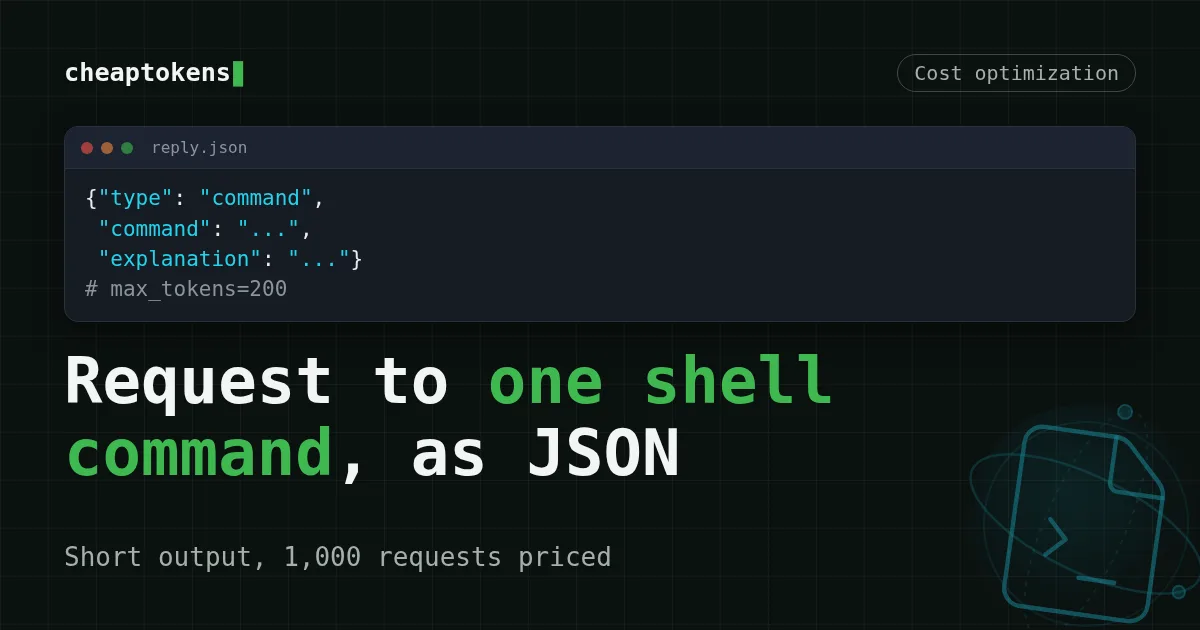
Ask the model for one JSON object with three fields (type, command, explanation), cap the answer at a couple of hundred tokens, and print the command instead of running it. By tokens, a request like that is mostly prompt with a short, predictable answer: under the assumptions below, 1,000 of them cost $0.012 on DeepSeek-V4-Flash.
Say you are adding a "describe what you want" box to an internal CLI. Someone types find files bigger than 100 MB in my home folder, and you want back one line they can read, check and paste. Two questions follow: how do you keep the model from guessing or doing something dangerous, and what does this cost when a hundred people use it all day?
A narrow task: why the answer is short#
On 9 November 2026 a Telegram channel retold the model card of dale-0.8b, an open model that does exactly this one job. According to the model card on Hugging Face (checked 10 November 2026), dale-0.8b is a full fine-tune of Qwen3.5-0.8B under Apache-2.0 that turns a Spanish or English request into one Linux bash command. The author, Manuel García, reports 79.4% (374 of 471 cases) on his own test set, against 62.8% for Qwen3.5-9B base and for Gemma 4 E4B-it without fine-tuning. Those are self-reported numbers on one person's test set, so treat them as a data point, not a ranking.
What is useful for us is the shape of the task, not the model. The card describes a fixed system prompt, a context line (OS, distro, package manager, tools) plus the request, thinking switched off, and a reply capped at 200 tokens. That cap is one of the two levers on cost: when the answer is one short JSON object, the output side is short and predictable, because the cap limits it. The other lever is the prompt. Which share of the bill each side makes up, the table below shows; it differs from model to model.
You don't need a 0.8B model for that. The same format works on any API model, and that's what the rest of this article builds.
The reply format: command, refuse or unsure#
The trick is that the model always has a legal way to say "no". The reply is one object:
{"type": "command | refuse | unsure", "command": "...", "explanation": "..."}command: one bash command, plus a one-sentence explanation of what it does.refuse: the request is destructive or has nothing to do with the shell. No command.unsure: the request is too vague ("clean up my disk"). The explanation holds a clarifying question.
Without unsure, a vague request forces a guess, and a guessed rm is the one you remember. The card's format has the same three types; we reuse the idea, not the model.
Match the pairs
Match each reply type to what the script should do
Tap an item on the left, then its pair
- commandShow the command and the explanation; the person copies and runs it themselves
- refusePrint the explanation and offer nothing to run
- unsurePrint the question and let the user rephrase
The script#
One file, the openai package, key in an environment variable. The base URL and the full model id come from the CheapTokens docs; short ids are not accepted, so use deepseek-.
import json
import os
import sys

from openai import OpenAI

client = OpenAI(
    base_url='https://api.cheaptokens.dev/v1',
    api_key=os.environ['CHEAPTOKENS_API_KEY'],
)
MODEL = 'deepseek-ai/DeepSeek-V4-Flash-0731'

SYSTEM = '''You turn a request into ONE Linux bash command.
Reply with a single JSON object and nothing else:
{"type": "command" | "refuse" | "unsure", "command": "<one command, or empty>", "explanation": "<one short sentence>"}
Use "refuse" when the request is destructive or not about the shell.
Use "unsure" when it is too vague, and put a clarifying question in "explanation".'''

CONTEXT = 'os: Ubuntu 24.04; package manager: apt; tools: git, curl, jq'


def parse(text):
    start = text.find('{')
    if start == -1:
        return None
    try:
        obj, _ = json.JSONDecoder().raw_decode(text[start:])
    except json.JSONDecodeError:
        return None
    if not isinstance(obj, dict) or obj.get('type') not in ('command', 'refuse', 'unsure'):
        return None
    return obj


def ask(request):
    resp = client.chat.completions.create(
        model=MODEL,
        max_tokens=200,
        temperature=0,
        messages=[
            {'role': 'system', 'content': SYSTEM},
            {'role': 'user', 'content': f'Context: {CONTEXT}\nRequest: {request}'},
        ],
    )
    return parse(resp.choices[0].message.content), resp.usage


if __name__ == '__main__':
    result, usage = ask(' '.join(sys.argv[1:]))
    if result is None:
        print('Could not read the reply as JSON. Try again.')
    elif result['type'] == 'command':
        print(result['explanation'])
        print('\n    ' + result['command'] + '\n')
        print('Read it, then copy it yourself. This script never runs it.')
    else:
        print(f"[{result['type']}] {result['explanation']}")
    print(f'tokens: {usage.prompt_tokens} in, {usage.completion_tokens} out')
Run it as python shellhelp.. Three choices matter here:
- No
subprocessanywhere. The command is text on the screen. Running it is your decision, after you read it. max_tokens=200, same as the card's cap. One JSON object fits easily; a rambling answer gets cut at 200 tokens instead of running on at your expense. The cap applies to the whole reply, so if a model writes out its reasoning, that can eat the limit. If a reply ever ends withfinish_reasonequal tolength, raise the cap a little. More on that in cutting output tokens with max_tokens.- The format is requested in the prompt, then parsed defensively.
raw_decodeskips a stray code fence or a sentence before the{. If you want to go further, see valid JSON from an OpenAI-compatible API and the fix for json.JSONDecodeError on a reply.
Before you run anything, check that the order of the steps is clear:
Put in order
Put the script's steps in the right order
Drag the items or use the arrows
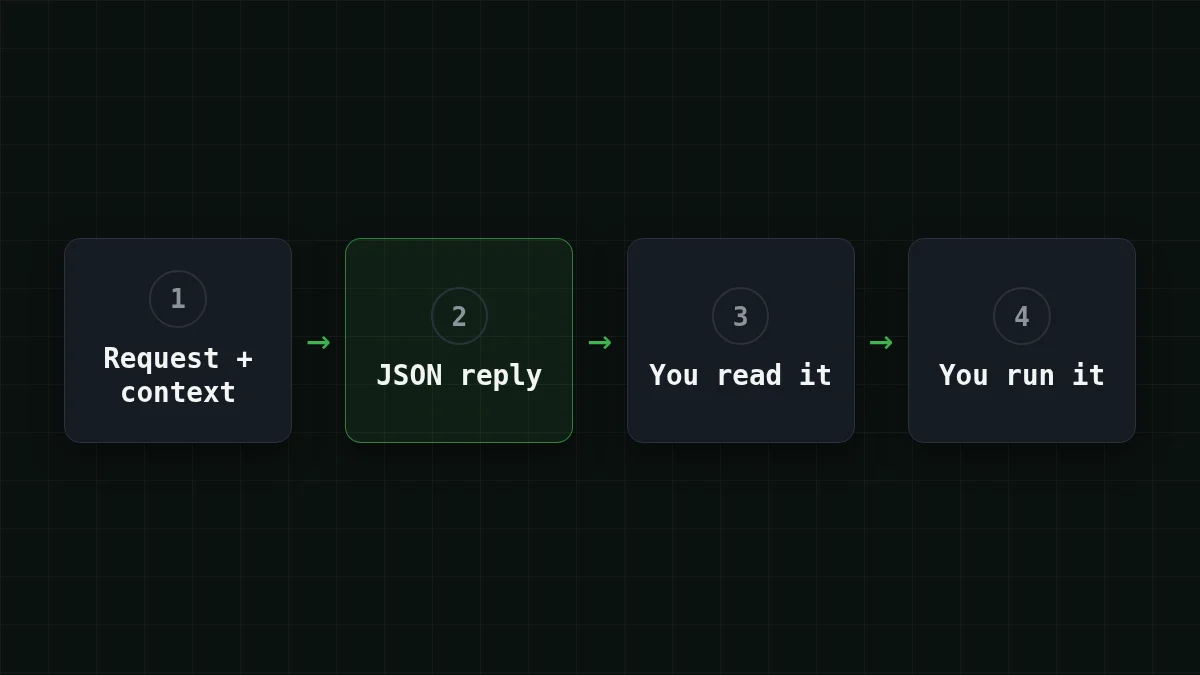
- Build the prompt: fixed system text, a context line, the request
- Call the API with a small max_tokens
- Parse the JSON and check that type is one of the three
- Show the command and wait for the person to run it
What 1,000 requests cost#
The last line of the script prints usage. That's the real number, and you should read your own. Until you have it, work with an assumption: the prompt comes to about 400 input tokens (the bare prompt in the script is roughly 150 tokens by a rough count; the rest is room for the three or four example request-and-reply pairs you'd likely add), and the JSON reply to about 60 output tokens.
For 1,000 requests that is 400 × 1,000 = 400,000 input tokens and 60 × 1,000 = 60,000 output tokens. The table prices exactly that for every model in the catalog, with the OpenRouter column next to it; the figures come from live prices, so they stay current.
| Model | Input $/1M | Output $/1M | Per request | 1,000 requests | OpenRouter, 1,000 requests |
|---|---|---|---|---|---|
| GLM-5.3-Flash | $0.02 | $0.04 | $0.00001 | $0.0104 | $0.0184 |
| DeepSeek-V4-Flash | $0.015 | $0.10 | $0.000012 | $0.012 | $0.0364 |
| MiniMax-M2.7 | $0.05 | $0.15 | $0.000029 | $0.029 | $0.348 |
400 input and 60 output tokens per request. Prices per 1M tokens are current and change together with our tariffs; the OpenRouter column shows reference prices for the same workload.
In total, with input and output counted together, DeepSeek-V4-Flash comes out cheaper than OpenRouter for this workload. By tokens the request is almost all input and the reply is short, but both sides are billed, so trim the prompt and the answer alike. Prices per model are on the pricing page, and the model itself is described on the DeepSeek page: 380K context, up to 32,768 output tokens, one price at any hour.
A quick way to feel the proportions:
Quick check
Which part of the request does max_tokens=200 limit?
Show answer
Answer: The reply
max_tokens limits only the reply; the prompt is billed as it is, so trim it separately.
Want 100,000 requests a month? Multiply by 100: 40,000,000 input and 6,000,000 output tokens. Put those two numbers into ::cost the same way and read the row.
Check it on your own requests#
The card's 79.4% says nothing about your prompt, your OS or your users' wording. Write 20 real requests with the commands you'd accept and compare, exactly as in testing a prompt on a small eval set. Include a few the script should refuse or flag as unsure, such as "delete everything" or "make my computer faster".
When something goes wrong, the symptom usually points to the fix:
Could not read the reply as JSON: print the raw text once. A prefix like "Sure!" is handled; a reply cut by the cap is not, so checkfinish_reason.401or404: wrong key, base URL or model id. The list is in API 401 or 404: key, base URL, model id.- Commands that fit a different system: the context line is the cause. Keep it accurate (OS, package manager, tools); it costs a few dozen tokens and saves a wrong
apton a Fedora box.
Same task, different model? Swap MODEL for the GLM or MiniMax id from the docs, keep the prompt, and compare the token counts the script prints against the table above.


