Tools & integrationsGuide
Connect LibreChat to CheapTokens: librechat.yaml custom endpoint
Add a CheapTokens endpoint to self-hosted LibreChat: one entry in librechat.yaml, the key as an environment variable, three models in the menu.
On this page
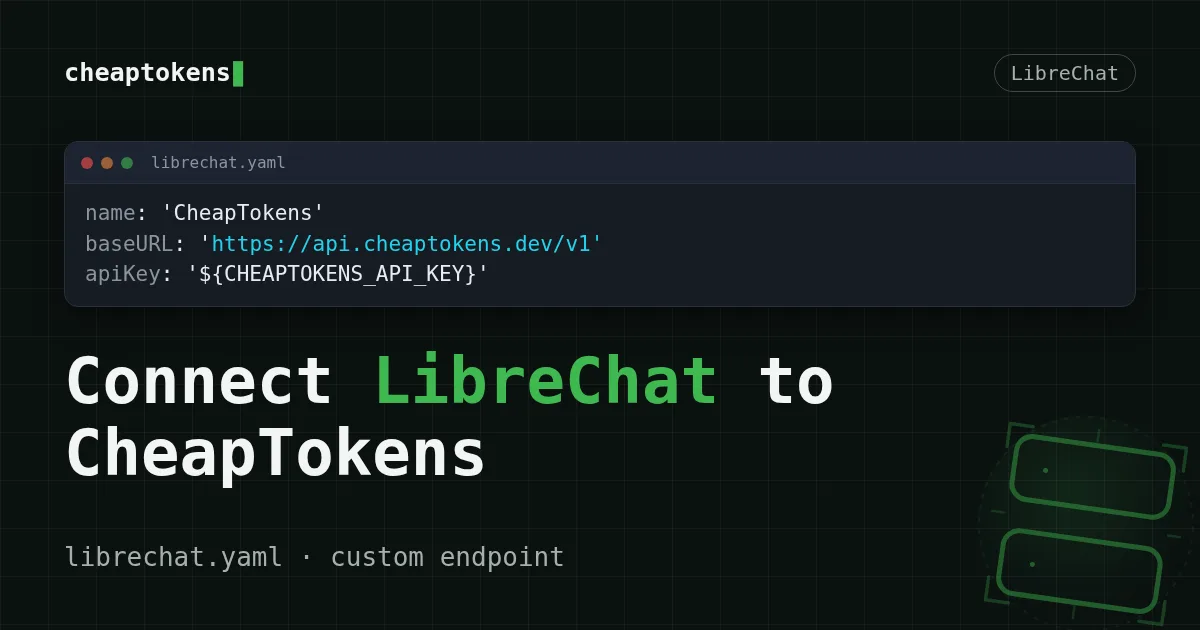
Your LibreChat is running, but the model menu only shows what it shipped with. To add CheapTokens you write one endpoints.custom entry in librechat.yaml: a name, the base URL https:/, the key as an environment variable and a list of model ids. Restart the container, and a "CheapTokens" endpoint appears in the menu.
The field names below come from LibreChat's custom endpoint reference (docs "Latest (dev)" branch, checked 30 October 2026). The page carries no version number, so if your install is older and a field behaves differently, compare with the docs for your release. The API side is the one from our docs: OpenAI Chat Completions format, one balance for every model.
What the entry needs#
Four fields are required, and each one has a plain job:
name— what the endpoint is called in the menu.apiKey— the key. The docs recommend a reference like${VAR}instead of the key itself, so the secret stays out of the YAML.baseURL— where requests go:https:/./ api. cheaptokens. dev/ v1 models.default— the list of model ids shown in the menu.
Two optional fields are worth setting. titleConvo: true lets LibreChat name your chats (titles are created unless it is false), and modelDisplayLabel is the label next to the answers (the default is "AI"). models.fetch is false by default, so LibreChat will not ask the API for a model list; the menu comes from models.default. That is why the ids below are spelled out in full.
Connect it in three steps#
Step by step
Connect LibreChat (Docker)
Give the container the key
The key has to reach the LibreChat container as an environment variable. LibreChat's docs let you set variables in docker- under environment, so create that file next to docker-. The variable name is ours, pick any, just keep it identical in the YAML:
services:
  api:
    environment:
      CHEAPTOKENS_API_KEY: ct_your_key_here
The value is a placeholder: use the key from your CheapTokens dashboard.
Add the endpoint to librechat.yaml
Create librechat.yaml next to docker-. The shape follows the Mistral example in LibreChat's docs, with our address and ids:
endpoints:
  custom:
    - name: 'CheapTokens'
      apiKey: '${CHEAPTOKENS_API_KEY}'
      baseURL: 'https://api.cheaptokens.dev/v1'
      models:
        default:
          - 'zai-org/GLM-5.3-Flash'
          - 'deepseek-ai/DeepSeek-V4-Flash-0731'
          - 'MiniMaxAI/MiniMax-M2.7'
      titleConvo: true
      modelDisplayLabel: 'CheapTokens'
Mount the file and restart
The container has to see the file. Add volumes to the same docker-, so it now holds both:
services:
  api:
    environment:
      CHEAPTOKENS_API_KEY: ct_your_key_here
    volumes:
      - ./librechat.yaml:/app/librechat.yaml
Then apply it:
docker compose up -d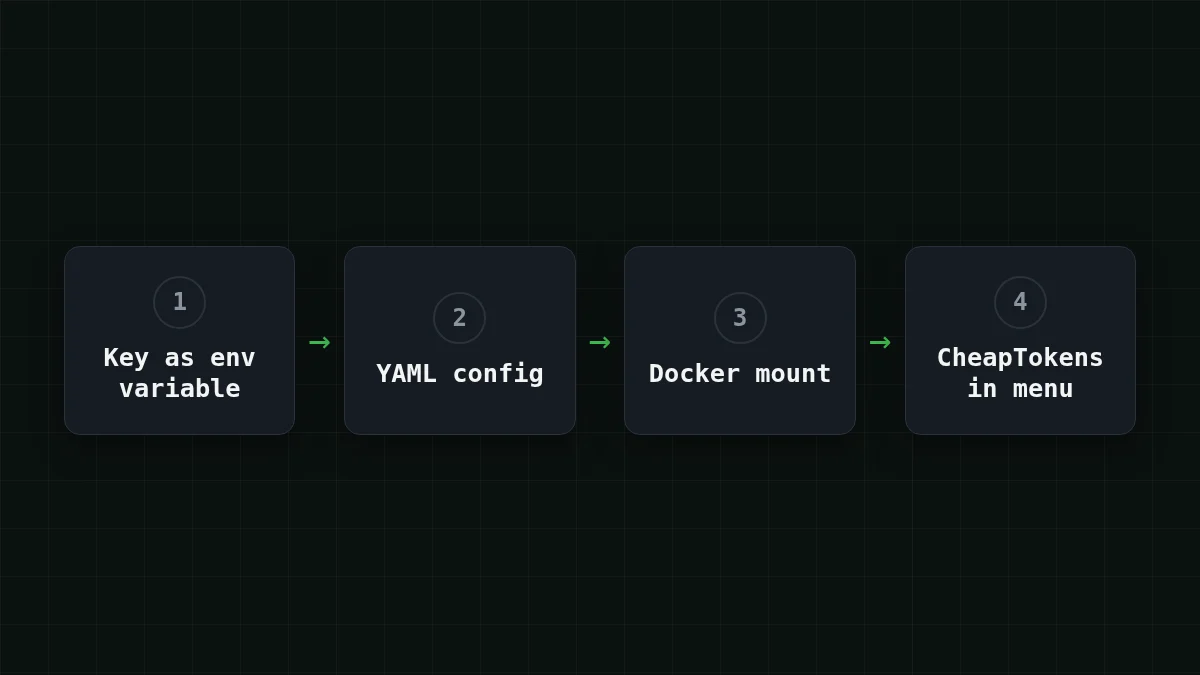
Open LibreChat in the browser, start a new chat and pick CheapTokens in the endpoint menu. The three models are in the list. Send "Say hi in one sentence" and you should get an answer back. If you don't, jump to the last section.
Three models in one menu#
This is the part that makes a self-hosted chat worth having. Say you run it for a small team. Most questions are everyday ones: rewrite this email, explain this error. For those, zai- is enough, with a 390K context window and up to 8,192 tokens per answer. When someone pastes a long document and wants a long reply, they switch the same chat to deepseek- (380K context, up to 32,768 tokens per answer). MiniMaxAI/ (180K context) is the third opinion when two answers disagree. No second subscription, no second key: all three are billed from one balance.
What does that chat cost? Take a team of five sending 200 messages a day, each carrying about 3,000 input tokens (the history grows) and getting about 500 tokens back:
| Model | Input $/1M | Output $/1M | Per request | 200 requests | OpenRouter, 200 requests |
|---|---|---|---|---|---|
| GLM-5.3-Flash | $0.02 | $0.04 | $0.00008 | $0.016 | $0.0284 |
| DeepSeek-V4-Flash | $0.015 | $0.10 | $0.000095 | $0.019 | $0.056 |
| MiniMax-M2.7 | $0.05 | $0.15 | $0.00023 | $0.045 | $0.54 |
3,000 input and 500 output tokens per request. Prices per 1M tokens are current and change together with our tariffs; the OpenRouter column shows reference prices for the same workload.
In the table, each model's price for those 200 requests is counted with input and output together, and in total it comes out cheaper than OpenRouter. Pick the row that matches your usage and compare it against the pricing page.
Try it yourselfTry it: send one question to two modelsShow answer
Open a new chat, choose zai-, and ask for a summary of a paragraph you know well. Switch the model in the same menu to deepseek-, and ask again. Compare the length and tone of the two answers — that is what you decide the default model by.
If the endpoint doesn't show up or answers with an error#
Most problems are one of three things. Pick the one that matches what you see:
Pick your case
What do you see?
Choose an option to see the answer
CheapTokens is missing from the menu
LibreChat never read your file. Check that librechat.yaml is mounted at / (the override file above), that the YAML indentation is intact, and that you ran docker compose up - after the change.
401 Unauthorized
The key is missing or wrong. Check that the name after ${ in librechat.yaml is exactly the name of the environment variable, and that the key has no spaces or quotes pasted into it. More on this error in API 401 or 404.
404 or a model error
The model id is wrong. Use the full id such as deepseek-; the short name is not accepted. You can list exact ids with the steps in List models with GET /v1/models.
Once the first message goes through, you can add more ids to models.default whenever you want another model in the menu. Prefer a different front end? The same idea, a base URL plus a key, is in Connect Open WebUI to CheapTokens, and the general picture is in OpenAI-compatible API: what base_url is. The models themselves are on the GLM page.


