AI for beginnersGuide
What are open weights? 2-bit and 4-bit quantization explained
Open weights mean you can download the model files. Quantization shrinks them: see what 2-bit costs in fidelity and when an API is simpler.
On this page
You open a model announcement and see “open weights” next to a file called UD-Q2_K_XL. Short answer: open weights means the developer published the model’s files, so anyone can download and run them. 2-bit means every number inside is stored with just two bits: the file gets far smaller and the model gets a little blurrier. If you would rather skip the download, you can call models through an API instead; the CheapTokens docs show the first request.
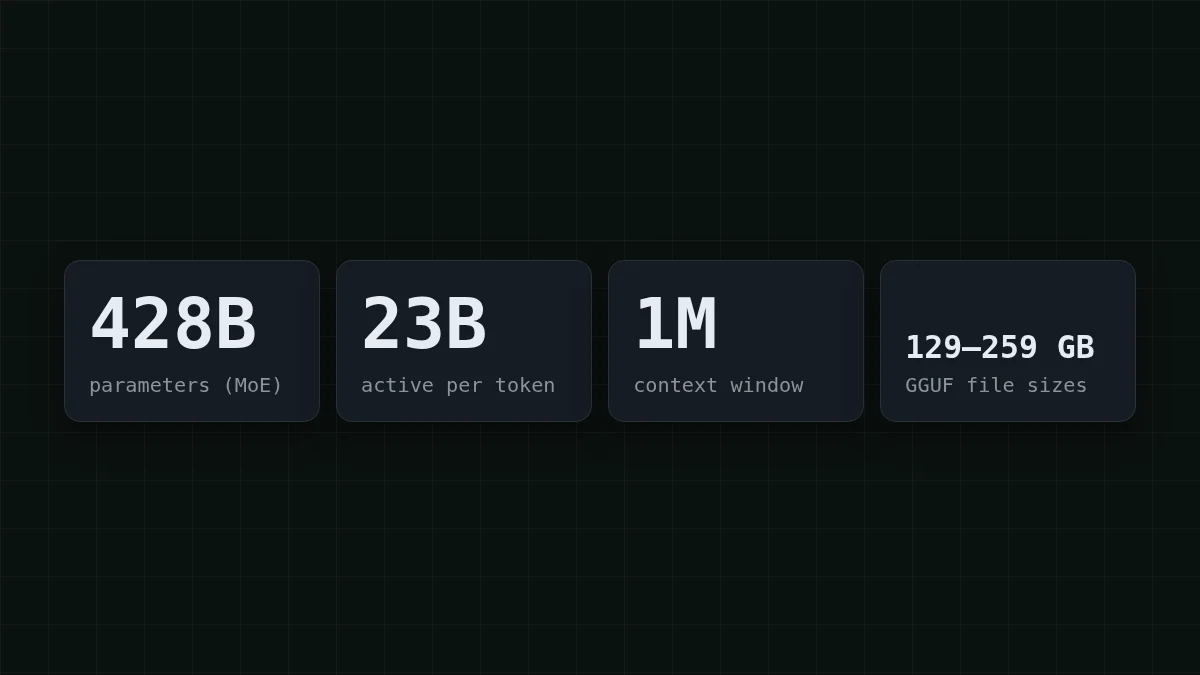
The example below is real. Unsloth’s model page for MiniMax-M3.1-Flash (undated; checked 27 October 2026) lists GGUF files from 129.4 GB to 259.1 GB for a model we covered in the M3.1 Flash launch post. Every size and memory figure here comes from that page.
The words you keep meeting#
Picture a mixing desk with 428 billion dials. Training nudges every dial until the output sounds right. The final position of all dials is the model’s weights. Publish that list and you have an open-weight model; keep it on your own servers and the only way in is an API.
Flashcards
Words you’ll meet in every announcement
Tap a card to flip it
Two traps for beginners. “Open-weight” is not automatically “free for any use”: the license decides, and Unsloth’s page does not state it, so read the model card (MiniMaxAI/ on Hugging Face) before building anything commercial. And “free to download” is not “free to run”, which the next sections show.
Why one model is a 130–260 GB download#
Each of those 428 billion weights is a number, and numbers take space. The rule of thumb is count × bits ÷ 8 = bytes. Try it before reading on.
Guess the number
How many GB do 8 billion weights take when each is stored in 4 bits?
Your guess
016
Show answer
Answer: 4
4 bits is half a byte, so 8 billion × 0.5 byte = 4 GB.
Now scale up. Even at 2 bits per weight, 428 × 2 ÷ 8 = 107 GB is the floor for the whole model. The real 2-bit file is 143.9 GB, a bit above the floor, so the bit number in a file name is a label rather than an exact count.
The “23B active” figure is about speed, not storage. Only a slice of the model works on each token, which makes it quick, but the slice changes from token to token, so all 428B weights have to be loaded and waiting.
What 2-bit and 4-bit actually do#
Think of a ruler. Bits decide how many marks it has: 2 bits give 4 marks, 4 bits give 16, 8 bits give 256, and the usual 16 bits give 65,536. Quantization rounds every weight to the nearest mark. Fewer marks means a smaller file and a larger rounding error on each number.
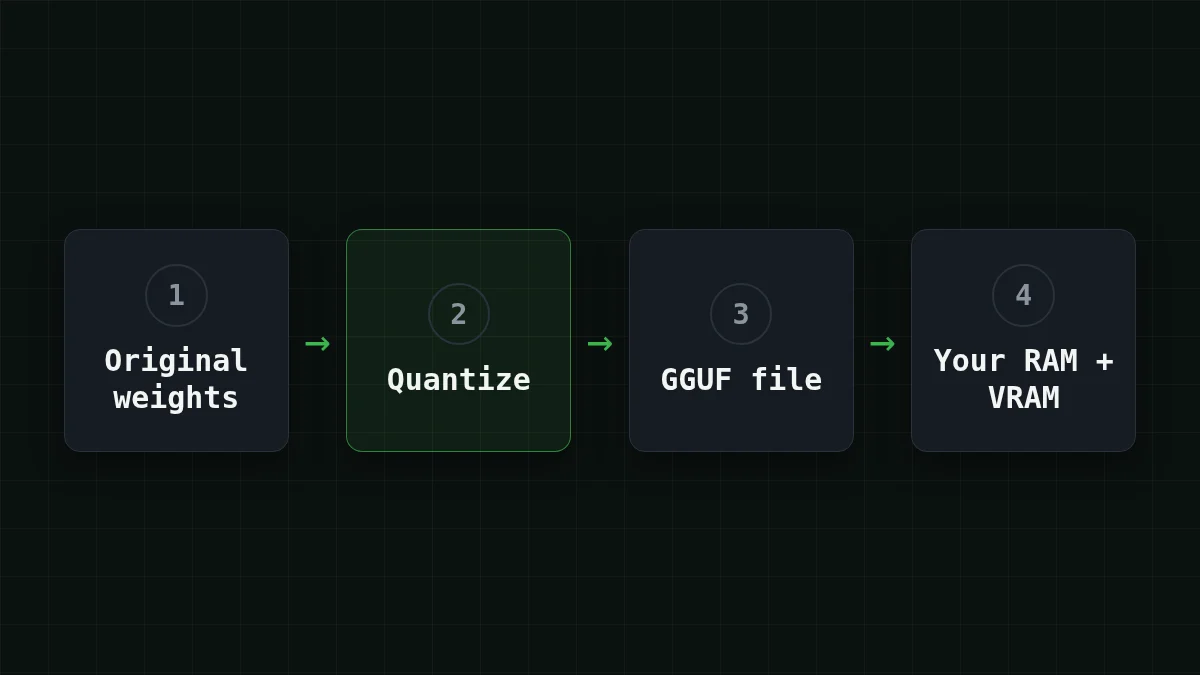
Here is Unsloth’s lineup for the model, with the memory (RAM plus VRAM) it needs at 16K context for one session. Sizes are decimal GB.
Scroll the table right →
| Level | Files (size) | Memory needed |
|---|---|---|
| 1-bit | UD-IQ1_M (129.4 GB) | ~134 GB |
| 2-bit | UD-IQ2_XXS (134.9 GB), UD-Q2_K_XL (143.9 GB) | ~150–160+ GB |
| 3-bit | UD-IQ3_XXS (160.0 GB), UD-IQ3_S (175.5 GB), UD-Q3_K_XL (194.0 GB) | 176–208 GB |
| 4-bit | UD-Q4_K_XL (249.4 GB) | ~256 GB |
| 8-bit | UD-Q8_K_XL (259.1 GB) | ~272 GB |
Reading a name: UD-Q2_K_XL is an Unsloth Dynamic build at roughly 2 bits; the digit is the level and the letters are variants. Do not do arithmetic with the digit. The 8-bit file is only about 1.8 times the 2-bit one (259.1 ÷ 143.9 ≈ 1.8), not 4 times. Read the size off the download page.
Try it yourselfTry it: your machine has 128 GB of memory in total. Does any of these files fit?Show answer
No. Even the smallest, UD-IQ1_M, needs about 134 GB of RAM plus VRAM at 16K context, so 128 GB is short. The 2-bit files need about 150–160+ GB.
What you give up at 2 bits#
Compare it to saving a photo as a smaller JPEG: most of the picture survives, and the damage shows up in the fine detail. Unsloth reports that its 2-bit file (143.9 GB) reaches a 91.5% weighted agreement with the original model across seven categories: coding, math, chat, tools, multilingual, reasoning and agentic.
Read that number carefully. It is Unsloth’s own measure, and the page does not spell out the baseline or the weighting, so treat it as a rough guide and not an independent test. Agreement is also not accuracy: it says how closely the small file behaves like the big one, not how often either is right. Small differences can add up over a long chain of steps, such as an agent running twenty tool calls, so try a quant on your own task before you rely on it. Higher levels stay closer to the original and cost more memory.
Download or call an API?#
Say you want to try the model after reading the announcement. Pick the line that sounds like you.
Pick your case
Which describes you?
Choose an option to see the answer
A laptop with 16–32 GB of memory
The local route is closed: even the 1-bit file needs about 134 GB of RAM plus VRAM. Call a model through an API instead.
A workstation with about 192 GB of memory
The 2-bit files (about 150–160+ GB needed) fit with room to spare. The 3-bit ones need 176–208 GB depending on the file, so check the exact figure for the file you want before downloading. Check the license first.
I just want to try a model through an API
Skip the download. An API call is pay-as-you-go: you send text and get an answer, with no 130 GB file on disk.
For the third line, one request is enough to see how it feels. This one goes to DeepSeek-V4-Flash, which has a 380K context window and answers up to 32,768 tokens long, at one price at any hour of the day:
curl https://api.cheaptokens.dev/v1/chat/completions \
  -H "Authorization: Bearer $CHEAPTOKENS_API_KEY" \
  -H "Content-Type: application/json" \
  -d '{"model": "deepseek-ai/DeepSeek-V4-Flash-0731", "messages": [{"role": "user", "content": "In two sentences: what does open-weight mean?"}], "max_tokens": 200}'
The answer comes back in choices[0]., and the usage field tells you how many tokens you paid for. Not sure what a token is? The plain-English explanation takes five minutes. MiniMax-M2.7 is available the same way, with a 180K context window and up to 8,192 tokens per answer. Both use an OpenAI/Anthropic-compatible API, and one balance covers every model.
What does that look like on a bill? Say a small support bot sends 2,000 requests a day, each with 1,500 tokens in and 500 out. One such request costs $0.00015 on MiniMax-M2.7. Here is the whole day for each model, next to OpenRouter:
| Model | Input $/1M | Output $/1M | Per request | 2,000 requests | OpenRouter, 2,000 requests |
|---|---|---|---|---|---|
| GLM-5.3-Flash | $0.02 | $0.04 | $0.00005 | $0.10 | $0.20 |
| DeepSeek-V4-Flash | $0.015 | $0.10 | $0.000073 | $0.145 | $0.299 |
| MiniMax-M2.7 | $0.05 | $0.15 | $0.00015 | $0.30 | $2.10 |
1,500 input and 500 output tokens per request. Prices per 1M tokens are current and change together with our tariffs; the OpenRouter column shows reference prices for the same workload.
In total, with input and output counted together, CheapTokens comes out cheaper than OpenRouter. Current prices for every model are on the pricing page.
If you do have the hardware and want to compare speed and running costs, Run DeepSeek locally or use an API goes through it. And expect these words again soon: the open weights for Kimi K3.1 Pro are due on 4 November, as our launch post explains.


