TroubleshootingGuide
UnicodeEncodeError when printing an LLM reply in Python: 3 fixes
print(reply) crashes on Cyrillic or emoji? See why Python fails with redirected output or a legacy code page, and fix it with UTF-8 mode, reconfigure or encoding=.
On this page
Your request went through, the model answered, and then Python died on print(reply). The API isn't at fault. The reply is fine; the place you print it to can't represent some of its characters. The quickest fix is to turn on UTF-8 mode with PYTHONUTF8=1. If you'd rather keep it inside the script, call sys. at the top, and when you save a reply to a file, pass encoding="utf-8" to open().
What the error looks like#
Say you ask a model a question in Russian and print the answer. This is the whole script, using the plain requests call from our first-request guide:
import os, requests

r = requests.post(
    "https://api.cheaptokens.dev/v1/chat/completions",
    headers={"Authorization": f"Bearer {os.environ['CHEAPTOKENS_API_KEY']}"},
    json={
        "model": "deepseek-ai/DeepSeek-V4-Flash-0731",
        "messages": [{"role": "user", "content": "Ответь одним предложением: что такое токен?"}],
        "max_tokens": 200,
    },
)
reply = r.json()["choices"][0]["message"]["content"]
print(reply)
When stdout is redirected to a file or pipe, or Python was started with a legacy code page for its streams, the last line ends like this:
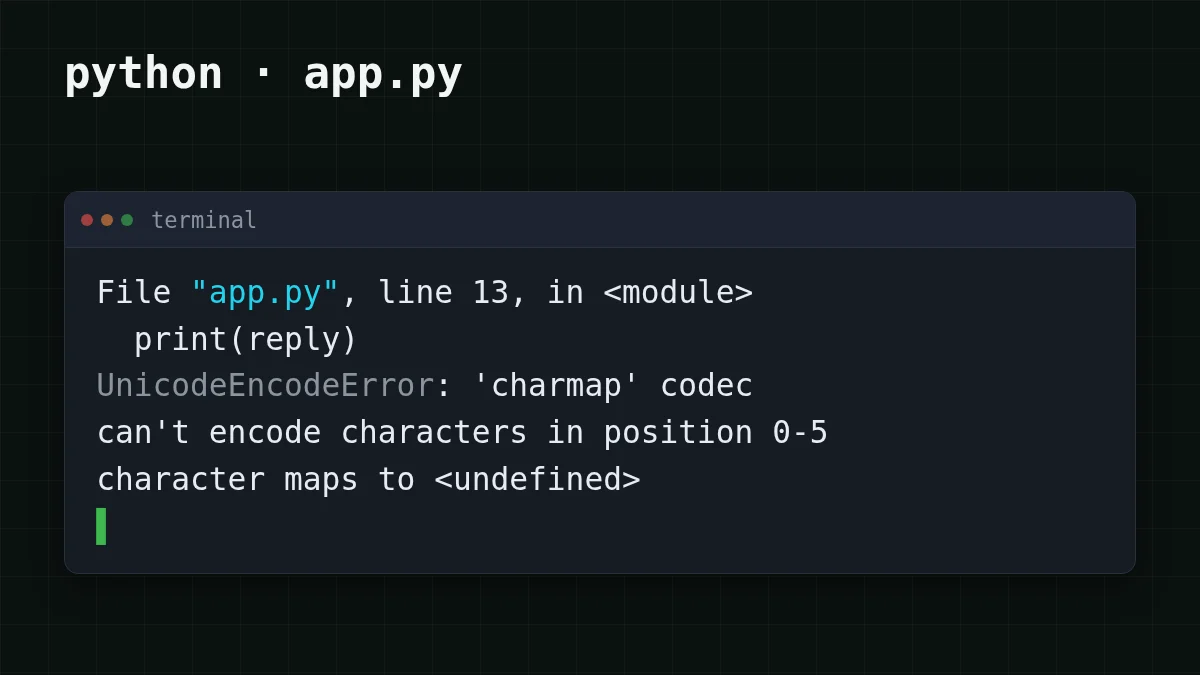
UnicodeEncodeError: 'charmap' codec can't encode characters in position 0-5: character maps to <undefined>The codec name in your message depends on the stream's encoding (for a Windows code page it is usually charmap, for ascii it is ascii), and the positions depend on the reply. The shape is always the same: the traceback points at print, not at the request.
Why does it happen? print converts the text to bytes using the encoding of sys.stdout. If that encoding is a legacy code page, any character outside it, such as Cyrillic in a Western code page, an emoji, sometimes a typographic dash, has no byte to turn into. Python raises instead of guessing.
It shows up in three situations:
- stdout is redirected or piped (
python app.,py > out. txt | another program), or the script runs from a scheduler, CI or an editor where stdout isn't a console; PYTHONLEGACYWINDOWSSTDIOis set, or the stream otherwise gets a narrow encoding;- you write the reply to a file with
open(path, "w")and noencoding=.
Which Python? Everything below is about Python 3.7–3.14, where the stream and file encoding come from the system. Per PEP 686 (status Final, https://peps.python.org/pep-0686/, checked 5 November 2026), UTF-8 mode is on by default from Python 3.15, so open() and stdio already use UTF-8 there unless someone turned it off with PYTHONUTF8=0 or -X utf8=0. Check with python --version.
Check which encoding you actually have#
Before you change anything, look at what Python picked. It takes ten seconds.
Try it yourselfTry it: what does Python think your stdout encoding is?Show answer
Run python - in the same window where the script fails. In an interactive console it usually prints utf-8, so that alone proves little. Run it again with > check.txt at the end and open the file: redirected output is what more often gives a cp… name or ascii, and that is your culprit. If everything says utf-8, look at a file you write to.
Want to see the crash without waiting for a bad day? On macOS or Linux, force a narrow encoding for one run:
PYTHONIOENCODING=ascii python -c "print('Привет')"That fails with an ascii codec message, the same family as the error above. On Windows the variable is ignored for an interactive console, but it works when output is redirected: in cmd run set PYTHONIOENCODING=ascii, then python - (in PowerShell: $env:PYTHONIOENCODING = "ascii").
Fix 1: switch on UTF-8 mode#
Python has a mode that makes UTF-8 the default for text. Per the Python docs (command-line page, checked 5 November 2026), PYTHONUTF8=1 turns it on and -X utf8 does the same; both exist since Python 3.7. One catch from the same page: any other non-empty value of PYTHONUTF8 causes an error at startup, so use exactly 1 (or 0 to switch it off). On 3.15 you only need this to enable the mode explicitly on older interpreters; if it's on there already, look for PYTHONUTF8=0 in your environment.
Turn on UTF-8 mode for one run
cmd
set PYTHONUTF8=1
python app.py
PowerShell
$env:PYTHONUTF8 = "1"
python app.py
macOS / Linux
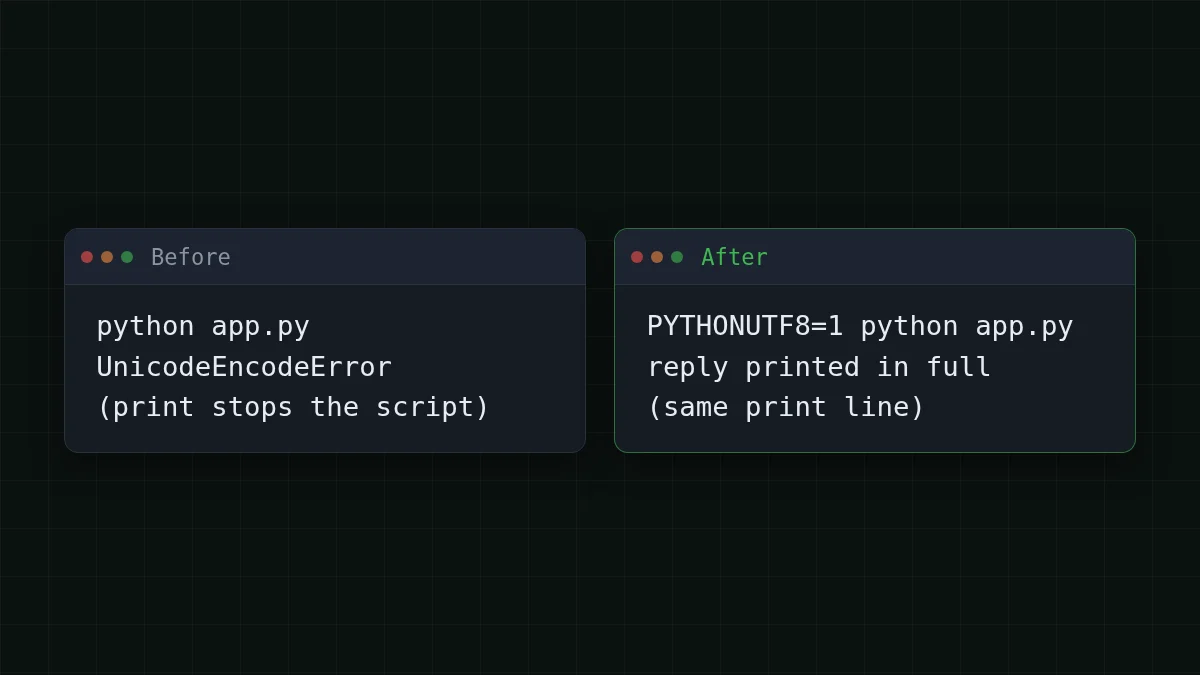
PYTHONUTF8=1 python app.pyNo code changes, and it covers the console, redirects and files in that run. If you don't want to set a variable each time, python - gives the same result from the command line.
There is also PYTHONIOENCODING=utf-, which overrides the encoding of stdin, stdout and stderr only. Read its docs entry before you rely on it on Windows: since Python 3.6 it is ignored for an interactive console buffer unless PYTHONLEGACYWINDOWSSTDIO is set. Redirected files and pipes are not affected by that exception. So it can fix python app. and still do nothing in the console window. For stderr the error handler is always backslashreplace.
Fix 2: reconfigure stdout inside the script#
If you can't control how people start the script, change the stream itself at the very top:
import sys

sys.stdout.reconfigure(encoding="utf-8")
sys.stderr.reconfigure(encoding="utf-8")

print(reply)
reconfigure is documented for io.TextIOWrapper (added in 3.7). When you pass encoding and leave errors out, the handler is strict, so a character that doesn't fit still raises; for the common case of UTF-8 nothing is left over. Two details from the docs: the encoding can't be changed once data has been read from the stream (it can after a write), and encoding="locale" is supported since 3.11.
Need the script to never crash, even on a terminal that really can't show the text? Add errors="replace". Unknown characters then appear as ? instead of stopping the run. That hides the problem rather than fixing it, so keep it for logs.
Fix 3: give files an explicit encoding#
Saving a reply is the same failure, only quieter in the code:
# before: on Python up to 3.14 this uses the system's default encoding
with open("reply.txt", "w") as f:
    f.write(reply)

# after: the file is UTF-8 on every machine
with open("reply.txt", "w", encoding="utf-8") as f:
    f.write(reply)
Use the same encoding="utf-8" when you read the file back, otherwise the text can break on the way in instead.
Which fix should you use?#
Pick your case
Pick your case
Choose an option to see the answer
I run my own script in a terminal
Set PYTHONUTF8=1 once in your environment, or start with python -. Nothing in the code changes.
I ship the script to other people
Put sys. at the top, so it works however they launch it.
The crash is on a file, not on screen
Add encoding="utf-8" to open(), for writing and reading.
You can combine them. A script that prints and saves replies needs Fix 2 or Fix 1 for the screen and Fix 3 for the file.
If it still fails#
- Error moved to a different line. Then the failing call is another
printorwrite; the fix has to apply before it runs, so putreconfigureat the very top. - Error mentions
PYTHONUTF8. The variable has a value other than1or0. Remove it and set it again. - No crash, but you see squares or
?in the console. Python wrote valid UTF-8; the console font or code page can't display it. Redirect to a file and open the file in an editor to confirm the reply is intact. - The error is a
JSONDecodeError, notUnicodeEncodeError. Different problem: see how to extract JSON from a model reply.
The request code above is the plain requests call; the CheapTokens docs show the same call for the OpenAI SDK. Another model works with the same fix: swap the model field for zai- (up to 8,192 output tokens per answer, 390K context). The encoding error has nothing to do with the model, only with where the text goes.


