API & SDKGuide
LangChain ChatOpenAI with a custom base_url: CheapTokens in Python
Point LangChain's ChatOpenAI at CheapTokens: base_url, key and model id in Python, then invoke, streaming and token usage per call.
On this page
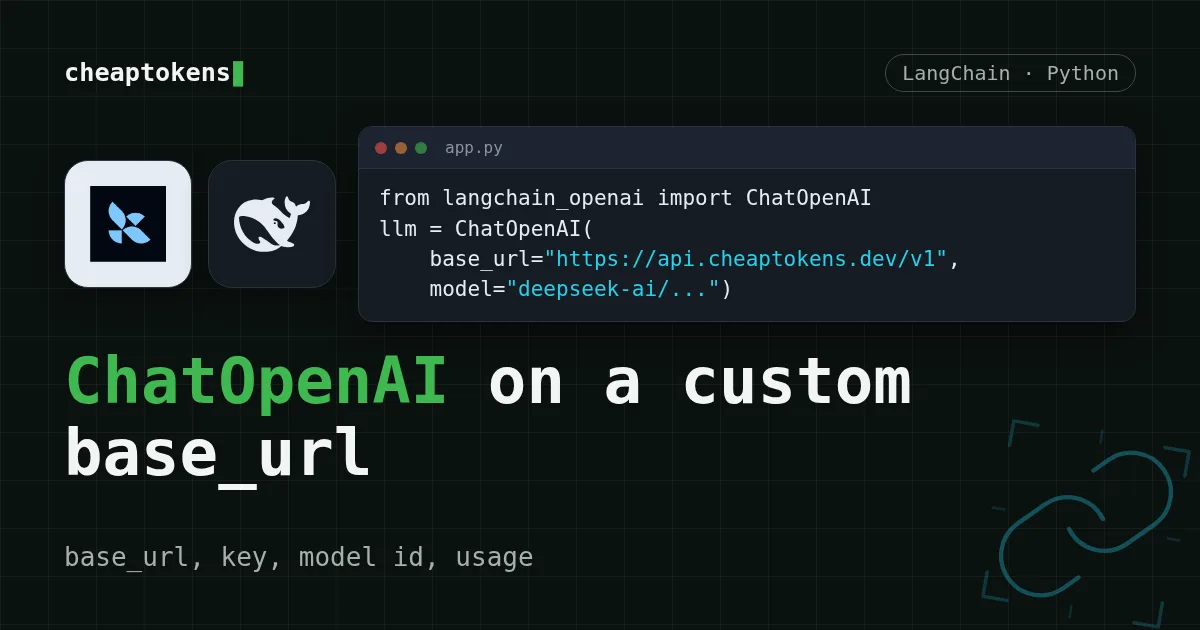
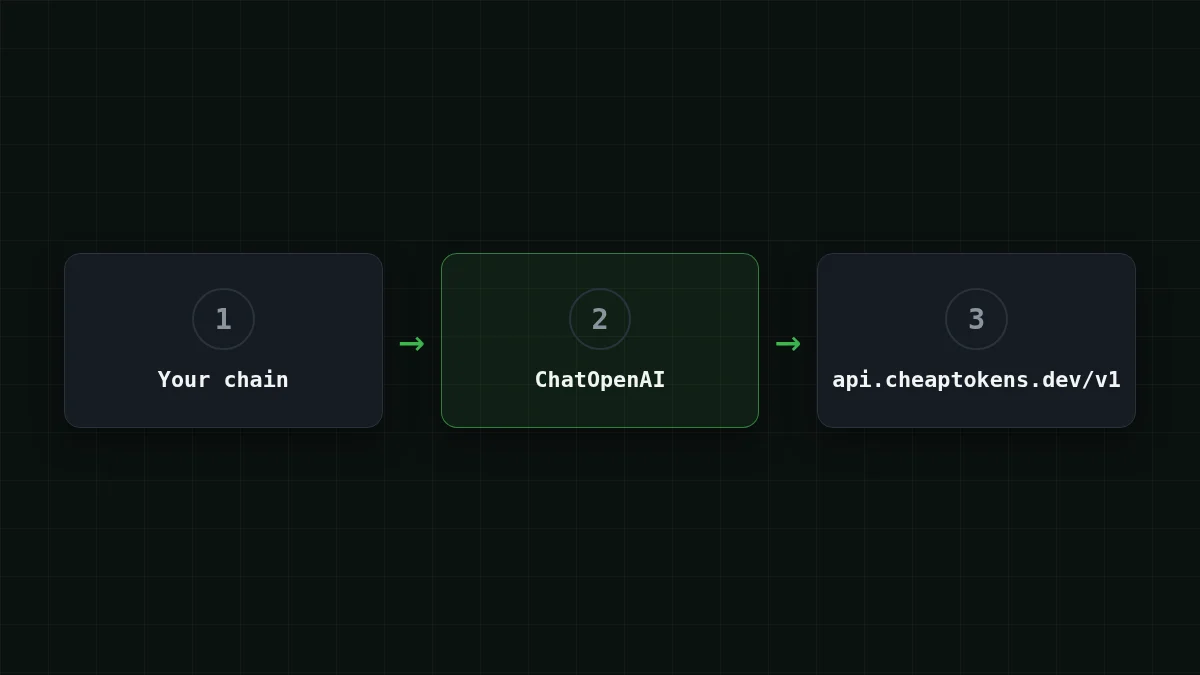
You already have a LangChain chain that talks to ChatOpenAI, and you want it to run on another endpoint without rewriting it. You can: pass three arguments, base_url, api_key and model, and the rest of the chain stays as it is. CheapTokens speaks the OpenAI Chat Completions protocol at https:/, so ChatOpenAI works with it directly.
The steps below follow the LangChain ChatOpenAI docs as checked on 27 October 2026. The page shows no date or version, so I don't pin a langchain-openai release here: install the latest one.
Step by step
Connect LangChain in three steps
Install
pip install -U langchain-openaiSet the key
Keep the key in an environment variable, not in the file:
export CHEAPTOKENS_API_KEY="your-key"Call the model
import os
from langchain_openai import ChatOpenAI

llm = ChatOpenAI(
    model="deepseek-ai/DeepSeek-V4-Flash-0731",
    base_url="https://api.cheaptokens.dev/v1",
    api_key=os.environ["CHEAPTOKENS_API_KEY"],
)

msg = llm.invoke("Explain what a token is in one sentence.")
print(msg.content)
invoke() returns a message; .content is the answer text. That is the whole connection. Get a key and top up the balance in the CheapTokens docs.
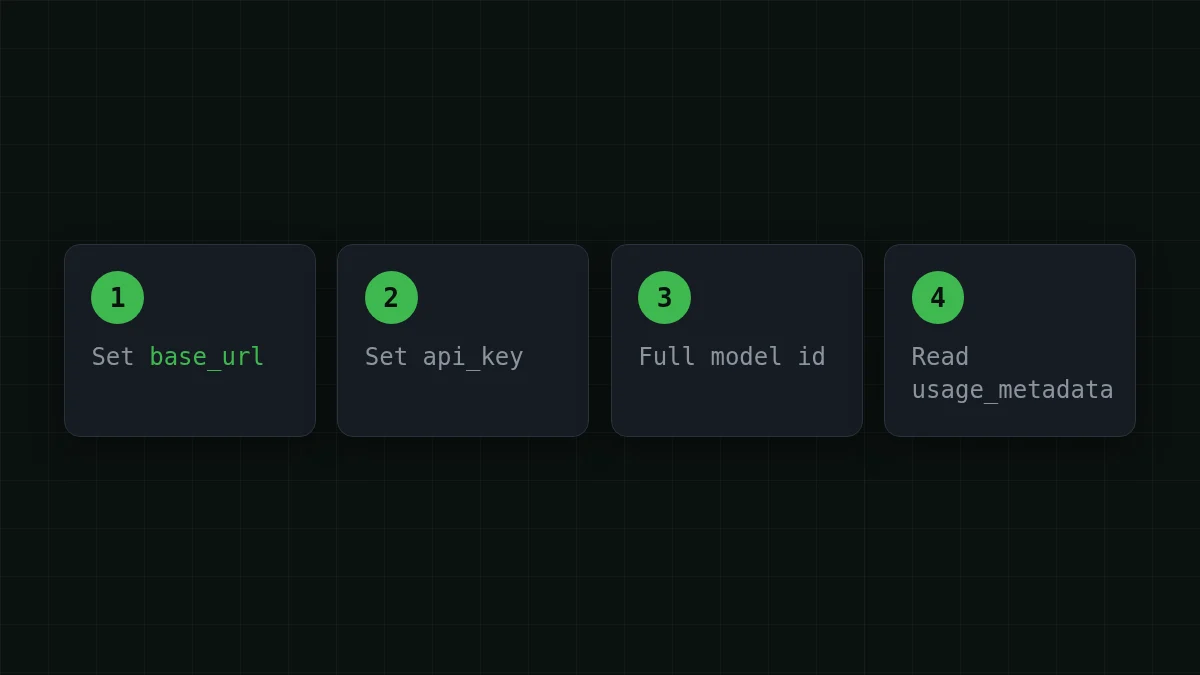
Which model id goes in model#
Use the full id, with the developer prefix. A short name like deepseek- is what you see in price tables; the API takes deepseek-. The ids from the CheapTokens model list:
deepseek-: 380K context, up to 32,768 output tokens per answer. A good default for chains with long documents and long answers.ai/ DeepSeek- V4- Flash- 0731 zai-: 390K context, up to 8,192 output tokens.org/ GLM- 5. 3- Flash MiniMaxAI/: 180K context, up to 8,192 output tokens.MiniMax- M2. 7
Switching is a one-line change, because the model is just a string:
llm = ChatOpenAI(
    model="zai-org/GLM-5.3-Flash",
    base_url="https://api.cheaptokens.dev/v1",
    api_key=os.environ["CHEAPTOKENS_API_KEY"],
)
All three share one balance, so you can try each on the same chain without opening anything new. Current prices are on the pricing page; for MiniMax-M2.7 input is $0.05 and output $0.15 per 1M tokens.
Setting base_url through the environment#
If you'd rather not touch the code, LangChain reads the address from the environment. The docs give the order of precedence:
- the
base_url(oropenai_api_base) argument you pass in code; OPENAI_API_BASE, which LangChain reads;OPENAI_BASE_URL, which theopenaiSDK reads.
Quick check
You set base_url in code and also export OPENAI_BASE_URL with another address. Which one does ChatOpenAI use?
Show answer
Answer: The base_url argument in code
The explicit argument has the highest priority, then OPENAI_API_BASE, then OPENAI_BASE_URL. A forgotten variable in your shell won't redirect a call that sets base_url explicitly.
One side effect from the same docs page: when OPENAI_BASE_URL is set, LangChain leaves stream_usage off by default. That matters in the next two sections.
Streaming the answer#
For a UI you want text as it arrives. stream() yields chunks, and each chunk has a .content piece:
for chunk in llm.stream("Write a three-line summary of how HTTP works."):
    print(chunk.content, end="", flush=True)
That is enough for a chat window. If you also want the token count at the end of a stream, pass stream_: ChatOpenAI(.. This guide counts tokens from invoke(), as in the next section. Streaming in the plain OpenAI SDK is covered in Streaming responses in Python.
Reading token usage per call#
Every message returned by invoke() carries usage_metadata with the tokens the call used:
msg = llm.invoke("Summarize this ticket in one line: my invoice shows the wrong VAT number.")
print(msg.usage_metadata)
# {'input_tokens': ..., 'output_tokens': ..., 'total_tokens': ...}
Add these up across a pipeline and you have a per-run budget:
total_in = total_out = 0
for ticket in tickets:
    msg = llm.invoke(ticket)
    total_in += msg.usage_metadata["input_tokens"]
    total_out += msg.usage_metadata["output_tokens"]
Input and output are priced separately, so keep both numbers. Why that split exists is in Input vs output tokens, and a full tracker with a stop-at-budget guard is in Track AI agent token cost in Python.
What a LangChain pipeline costs per day#
Say you run a support bot with 2,000 tickets a day. Each call sends the ticket plus a prompt, about 3,000 tokens, and the answer is about 500 tokens. On MiniMax-M2.7 one such call costs $0.00023. Move the sliders to your own numbers; the site sums it at the current prices:
Cost calculator
One day of the support bot
Input tokens per request: 3,000 · Output tokens per request: 500 · Requests per day: 2,000
| Model | Per day | Per month |
|---|---|---|
| GLM-5.3-Flash$0.02$0.04 | $0.16 | $4.80 |
| DeepSeek-V4-Flash$0.015$0.10 | $0.19 | $5.70 |
| MiniMax-M2.7$0.05$0.15 | $0.45 | $13.50 |
The calculator shows the daily sum: in this kind of call, input is the bulk of the tokens and output the smaller part. With CheapTokens the total, input and output counted together, comes out below OpenRouter's, and the price is the same at any hour: there are no peak-time rates to plan around.
What this guide covers#
The example uses plain chat completions: invoke, stream and usage_metadata. ChatOpenAI follows the OpenAI spec, so the answer text is in .content. Per LangChain's docs, it switches to the Responses API when you use built-in tools or the reasoning parameter.
If a call fails, the cause is usually one of three things: /v1 missing from base_url, a short model id instead of the full one, or the key variable not exported in the shell that runs Python. The common connection errors list shows what each looks like.
Next step: run the three-step block above with your own chain, then try the same chain on OpenAI-compatible endpoints with a different model id.


