API & SDKGuide
Vercel AI SDK with a custom base URL: CheapTokens in TypeScript
Point the Vercel AI SDK at CheapTokens with createOpenAICompatible: a working generateText and streamText snippet, token usage and fixes for common errors.
On this page
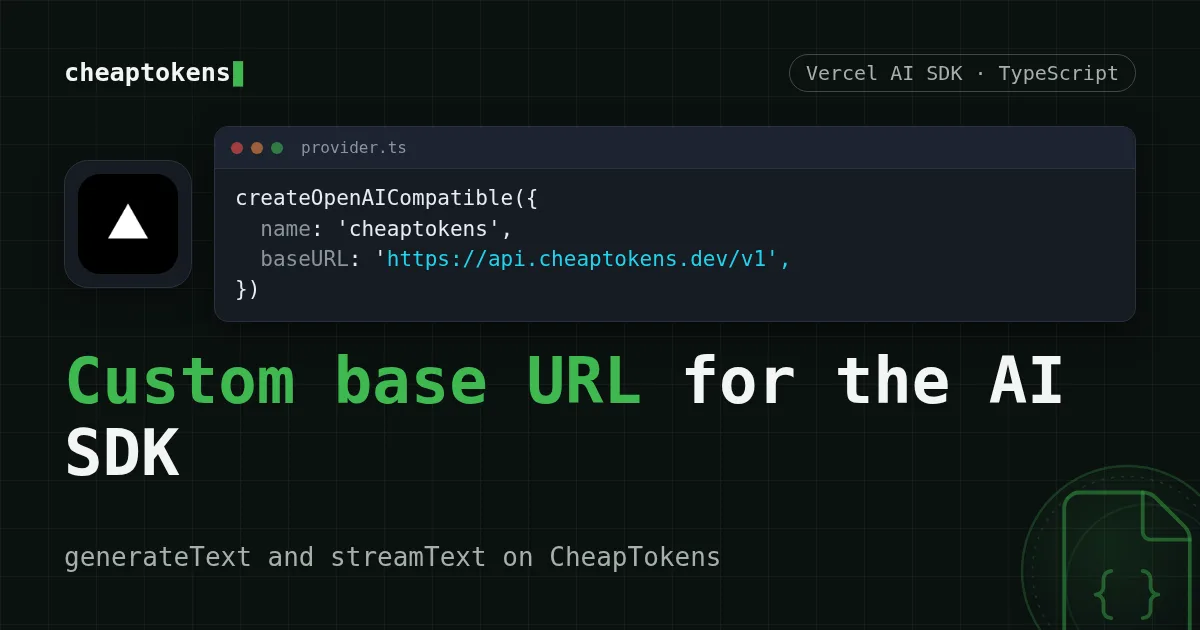
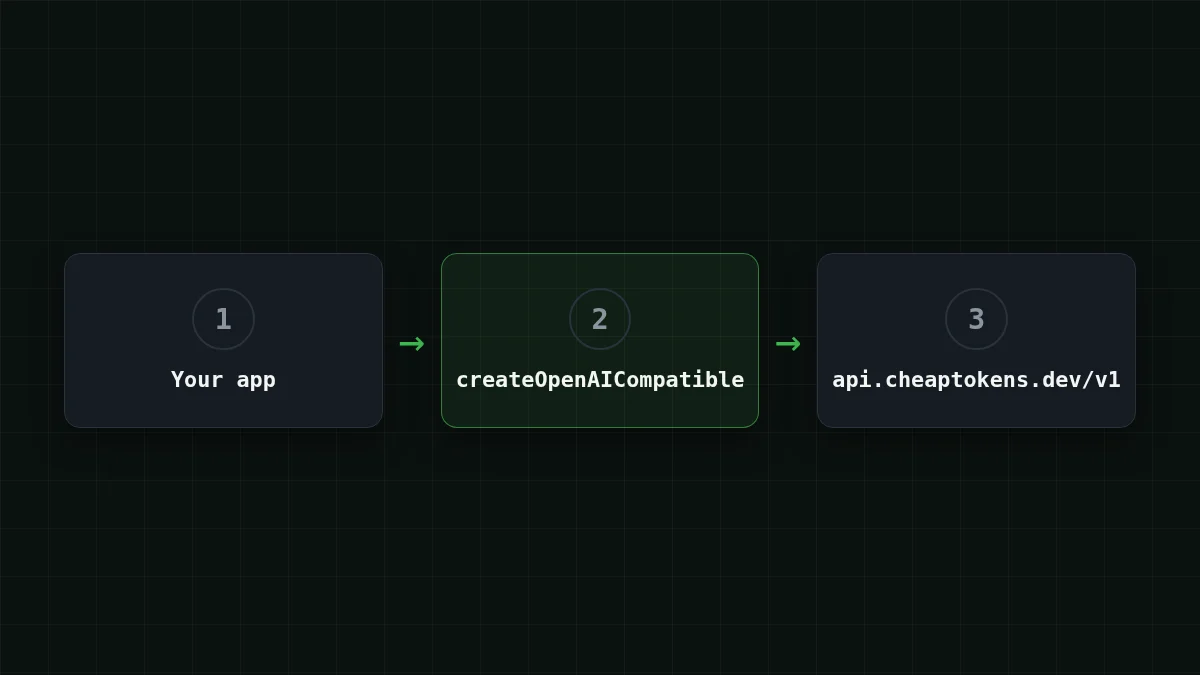
To run the Vercel AI SDK on CheapTokens, install @ai-, create a provider with baseURL: 'https:/ and your key, and pass provider('deepseek- as the model. Everything else in your app, generateText, streamText, your prompts, stays as it is.
So if you already have a Next.js route or a Node script that talks to a hosted model through the AI SDK, you change three things: the base URL, the key and the model id. This guide checks the setup against the AI SDK's OpenAI-compatible providers page (29 October 2026). It uses the Chat Completions interface of the CheapTokens API, which is what that provider speaks.
Install and create the provider#
Two packages: the core ai package and the OpenAI-compatible provider.
npm install ai @ai-sdk/openai-compatible
export CHEAPTOKENS_API_KEY=ct_your_key_here
The order of work is short:
Put in order
Put the setup in order
Drag the items or use the arrows
- Top up the balance and create an API key
- Put the key in an environment variable
- Create the provider with the CheapTokens baseURL
- Pass the full model id to generateText
The provider itself is one call to createOpenAICompatible:
import { createOpenAICompatible } from '@ai-sdk/openai-compatible';

export const cheaptokens = createOpenAICompatible({
  name: 'cheaptokens',
  apiKey: process.env.CHEAPTOKENS_API_KEY,
  baseURL: 'https://api.cheaptokens.dev/v1',
  includeUsage: true,
});
name is just a label for your own logs. includeUsage: true asks for token counts in streaming responses too; without it the default behaves like false. Calling cheaptokens('model- gives you a chat model; cheaptokens. and cheaptokens. do the same thing.
The model id has to be the full one: deepseek-. A short name like deepseek- is what you see in price tables, and the API will not accept it. If you are not sure what to type, list the models with GET /v1/models and copy the id from there.
generateText: one answer and its token count#
Here is a complete script. It asks for a short answer and prints both the text and the usage object.
import { generateText } from 'ai';
import { cheaptokens } from './provider';

const result = await generateText({
  model: cheaptokens('deepseek-ai/DeepSeek-V4-Flash-0731'),
  prompt: 'Explain in two sentences what a base URL is.',
});

console.log(result.text);
console.log(result.usage);
Run it with npx tsx index.ts. You get the answer as a string in result.text, and result.usage holds the input and output token counts for that call. We print the whole object so you see everything in it. In the AI SDK reference for streamText (checked 29 October 2026) usage has inputTokens, outputTokens and totalTokens; check the types of your installed version before wiring them into a dashboard.
Why bother reading usage at all? Because that is the number you pay for. Say your app sends a 1,500-token prompt and gets a 600-token answer. That request costs $0.000083 at current prices, and a thousand of them look like this:
| Model | Input $/1M | Output $/1M | Per request | 1,000 requests | OpenRouter, 1,000 requests |
|---|---|---|---|---|---|
| GLM-5.3-Flash | $0.02 | $0.04 | $0.000054 | $0.054 | $0.107 |
| DeepSeek-V4-Flash | $0.015 | $0.10 | $0.000083 | $0.0825 | $0.165 |
| MiniMax-M2.7 | $0.05 | $0.15 | $0.00017 | $0.165 | $1.17 |
1,500 input and 600 output tokens per request. Prices per 1M tokens are current and change together with our tariffs; the OpenRouter column shows reference prices for the same workload.
The CheapTokens column is in total, input and output together, cheaper than OpenRouter for every model in the table. If you want to turn usage into a running budget, tracking agent token cost shows the idea in Python; the arithmetic is the same in TypeScript.
streamText: print words as they arrive#
For a chat UI you want text to appear while the model is still writing. streamText gives you an async iterable of text chunks.
import { streamText } from 'ai';
import { cheaptokens } from './provider';

const result = streamText({
  model: cheaptokens('deepseek-ai/DeepSeek-V4-Flash-0731'),
  prompt: 'Write a 100-word product description for a pocket notebook.',
});

for await (const chunk of result.textStream) {
  process.stdout.write(chunk);
}

console.log('\n', await result.usage);
Notice there is no await in front of streamText(...): it returns right away and you consume the stream. usage is a promise that settles when the stream ends, so you await it after the loop. In a Next.js route handler you would return the stream to the browser instead of writing to stdout; the provider part is identical. If you want the same thing with the plain OpenAI SDK, see streaming chat responses in Node.js.
Long answers are fine here: DeepSeek-V4-Flash on CheapTokens can write up to 32,768 tokens in one answer, has a 380K context window and one price at any hour. The model page is at /en/cheap-deepseek/, and the current prices are on the pricing page.
Switch the model without touching the rest#
Because only the model id changes, trying another model is a one-line edit. GLM-5.3-Flash has a 390K context window and answers up to 8,192 tokens; at current prices it costs $0.02 per 1M input tokens and $0.04 per 1M output tokens.
Try it yourselfTry it: which line do you change to run the same script on GLM-5.3-Flash?Show answer
Only the model id: cheaptokens('zai-. The provider, the key, the baseURL and the rest of the script stay the same.
A handy pattern is to keep the id in an environment variable (process.) so you can compare two models on the same prompt without a rebuild. The DeepSeek vs GLM vs MiniMax comparison helps pick which ones are worth trying.
If it doesn't work#
Most failures are one of three things: the key, the URL or the model id.
- 401 means the key is missing or wrong. Check that
CHEAPTOKENS_is set in the shell that runs the script (a Next.js server needs it inAPI_ KEY .env.localand a restart). - 404 usually means the baseURL lost its
/v1or the model id is the short name. Usehttps:/and the full id./ api. cheaptokens. dev/ v1 - The answer stops mid-sentence. The model hit an output limit; the finish_reason "length" fix explains it.
The longer walkthrough of the first two is in API 401 or 404: wrong key, base URL or model id.
Checklist
Before you run the script
For connecting other tools and the first request by hand, start from the CheapTokens docs.


